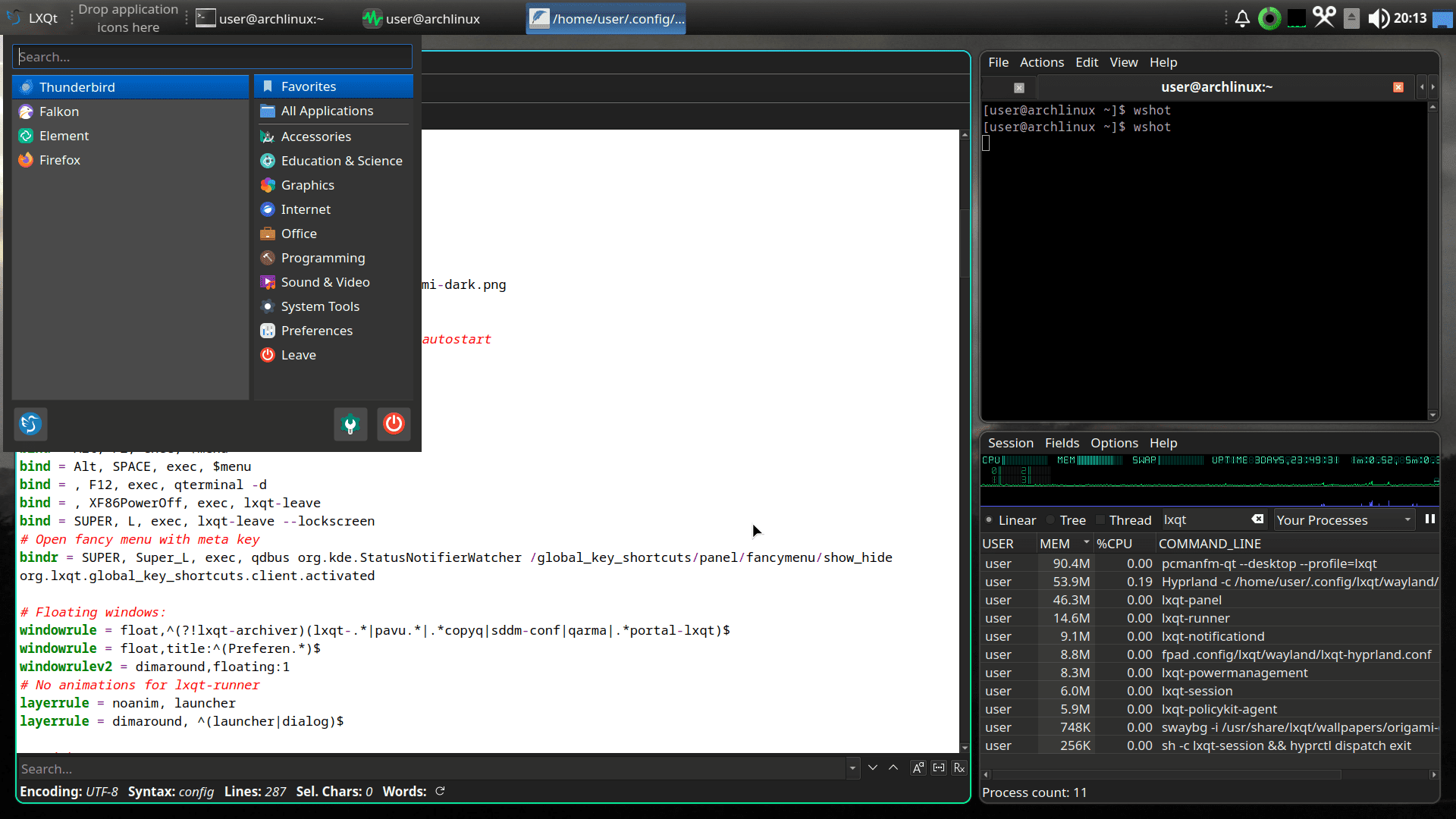
Here’s my NixOS configuration for a ThinkPad T61 using the LXQt desktop:
# Edit this configuration file to define what should be installed on
# your system.  Help is available in the configuration.nix(5) man page
# and in the NixOS manual (accessible by running ‘nixos-help’).

{ config, pkgs, ... }:

{
  imports =
    [ # Include the results of the hardware scan.
      ./hardware-configuration.nix
    ];

  # Bootloader.
  boot.loader.grub.enable = true;
  boot.loader.grub.device = "/dev/sda";
  boot.loader.grub.useOSProber = true;

  networking.hostName = "nixos"; # Define your hostname.
  # networking.wireless.enable = true;  # Enables wireless support via wpa_supplicant.

  # Configure network proxy if necessary
  # networking.proxy.default = "http://user:password@proxy:port/";
  # networking.proxy.noProxy = "127.0.0.1,localhost,internal.domain";

  # Enable networking
  networking.networkmanager.enable = true;

  # Enable network manager applet
  programs.nm-applet.enable = true;

  # Set your time zone.
  time.timeZone = "America/New_York";

  # Select internationalisation properties.
  i18n.defaultLocale = "en_US.UTF-8";

  i18n.extraLocaleSettings = {
    LC_ADDRESS = "en_US.UTF-8";
    LC_IDENTIFICATION = "en_US.UTF-8";
    LC_MEASUREMENT = "en_US.UTF-8";
    LC_MONETARY = "en_US.UTF-8";
    LC_NAME = "en_US.UTF-8";
    LC_NUMERIC = "en_US.UTF-8";
    LC_PAPER = "en_US.UTF-8";
    LC_TELEPHONE = "en_US.UTF-8";
    LC_TIME = "en_US.UTF-8";
  };

  # Enable the X11 windowing system.
  services.xserver.enable = true;

  # Enable the LXQT Desktop Environment.
  services.xserver.displayManager.lightdm.enable = true;
  services.xserver.desktopManager.lxqt.enable = true;

  # Configure keymap in X11
  services.xserver.xkb = {
    layout = "us";
    variant = "";
  };

  # Enable CUPS to print documents.
  services.printing.enable = true;

services.tlp = {
  enable = true;
};

services.power-profiles-daemon.enable = false;

nixpkgs.overlays = [
  (final: prev: {
    tlp = prev.tlp.overrideAttrs (old: {
      makeFlags = (old.makeFlags or [ ]) ++ [
        "TLP_ULIB=/lib/udev"
        "TLP_NMDSP=/lib/NetworkManager/dispatcher.d"
        "TLP_SYSD=/lib/systemd/system"
        "TLP_SDSL=/lib/systemd/system-sleep"
        "TLP_ELOD=/lib/elogind/system-sleep"
        "TLP_CONFDPR=/share/tlp/deprecated.conf"
        "TLP_FISHCPL=/share/fish/vendor_completions.d"
        "TLP_ZSHCPL=/share/zsh/site-functions"
      ];
    });
  })
];


hardware.bluetooth.enable = true;
hardware.bluetooth.powerOnBoot = true;
services.blueman.enable = true;
#sound.mediaKeys.enable = true;

  # Enable sound with pipewire.
  hardware.pulseaudio.enable = false;
  security.rtkit.enable = true;
  services.pipewire = {
    enable = true;
    alsa.enable = true;
    alsa.support32Bit = true;
    pulse.enable = true;
    # If you want to use JACK applications, uncomment this
    #jack.enable = true;

    # use the example session manager (no others are packaged yet so this is enabled by default,
    # no need to redefine it in your config for now)
    #media-session.enable = true;
  };

  # Enable touchpad support (enabled default in most desktopManager).
  # services.xserver.libinput.enable = true;

  # Define a user account. Don't forget to set a password with ‘passwd’.
  users.users.user = {
    isNormalUser = true;
    description = "user";
    extraGroups = [ "networkmanager" "wheel" ];
    packages = with pkgs; [
    #  thunderbird
    ];
  };

  # Enable automatic login for the user.
  services.xserver.displayManager.autoLogin.enable = true;
  services.xserver.displayManager.autoLogin.user = "user";

  # Install firefox.
  programs.firefox.enable = true;

  # Allow unfree packages
  nixpkgs.config.allowUnfree = true;

  # List packages installed in system profile. To search, run:
  # $ nix search wget


  environment.systemPackages = with pkgs; [

	abcde
	abiword
	audacious
	asunder
	brave
	chromium
	clipgrab
	falkon
	featherpad
	ffmpeg
	filezilla
	geany
	gnumeric
	gparted
	htop
	imapsync
	isoimagewriter
	jwm
	kdePackages.falkon
	lame
	librewolf
	lxqt.qlipper
	nomacs
	nyxt
	pinta
	putty
	qalculate-qt
	qview
	ranger
	simplescreenrecorder
	thunderbird
	tldr
	unzip
	vlc
	xfce.xfburn
	zim
	zip

	system-config-printer # GUI for managing printers
	hplip # HP printer and scanner tools
	hplipWithPlugin # HP plugin for proprietary features (if needed)

	lxqt.pavucontrol-qt
	libsForQt5.kmix
	pasystray
	linuxKernel.packages.linux_lqx.tp_smapi
	tlp

  ];


  # Enable CUPS for printing support
  #$services.printing.enable = true;
  services.printing.drivers = [ pkgs.hplip ]; # HP driver for OfficeJet Pro 6830

  # Enable Avahi for printer discovery
  services.avahi.enable = true;
  services.avahi.nssmdns = true; # Allows .local domain resolution
  services.avahi.openFirewall = true; # Open firewall for Avahi

  # Enable SANE for scanning support (optional)
  hardware.sane.enable = true;
  hardware.sane.extraBackends = [ pkgs.hplipWithPlugin ]; # HP scanning backend

  # Optional: Enable Samba for Windows printer sharing
  services.samba.enable = true;
  services.samba.openFirewall = true;


  # Some programs need SUID wrappers, can be configured further or are
  # started in user sessions.
  # programs.mtr.enable = true;
  # programs.gnupg.agent = {
  #   enable = true;
  #   enableSSHSupport = true;
  # };

  # List services that you want to enable:

  # Enable the OpenSSH daemon.
  # services.openssh.enable = true;

  # Open ports in the firewall.
  # networking.firewall.allowedTCPPorts = [ ... ];
  # networking.firewall.allowedUDPPorts = [ ... ];
  # Or disable the firewall altogether.
  # networking.firewall.enable = false;

  # This value determines the NixOS release from which the default
  # settings for stateful data, like file locations and database versions
  # on your system were taken. It‘s perfectly fine and recommended to leave
  # this value at the release version of the first install of this system.
  # Before changing this value read the documentation for this option
  # (e.g. man configuration.nix or on https://nixos.org/nixos/options.html).
  system.stateVersion = "24.11"; # Did you read the comment?


}


