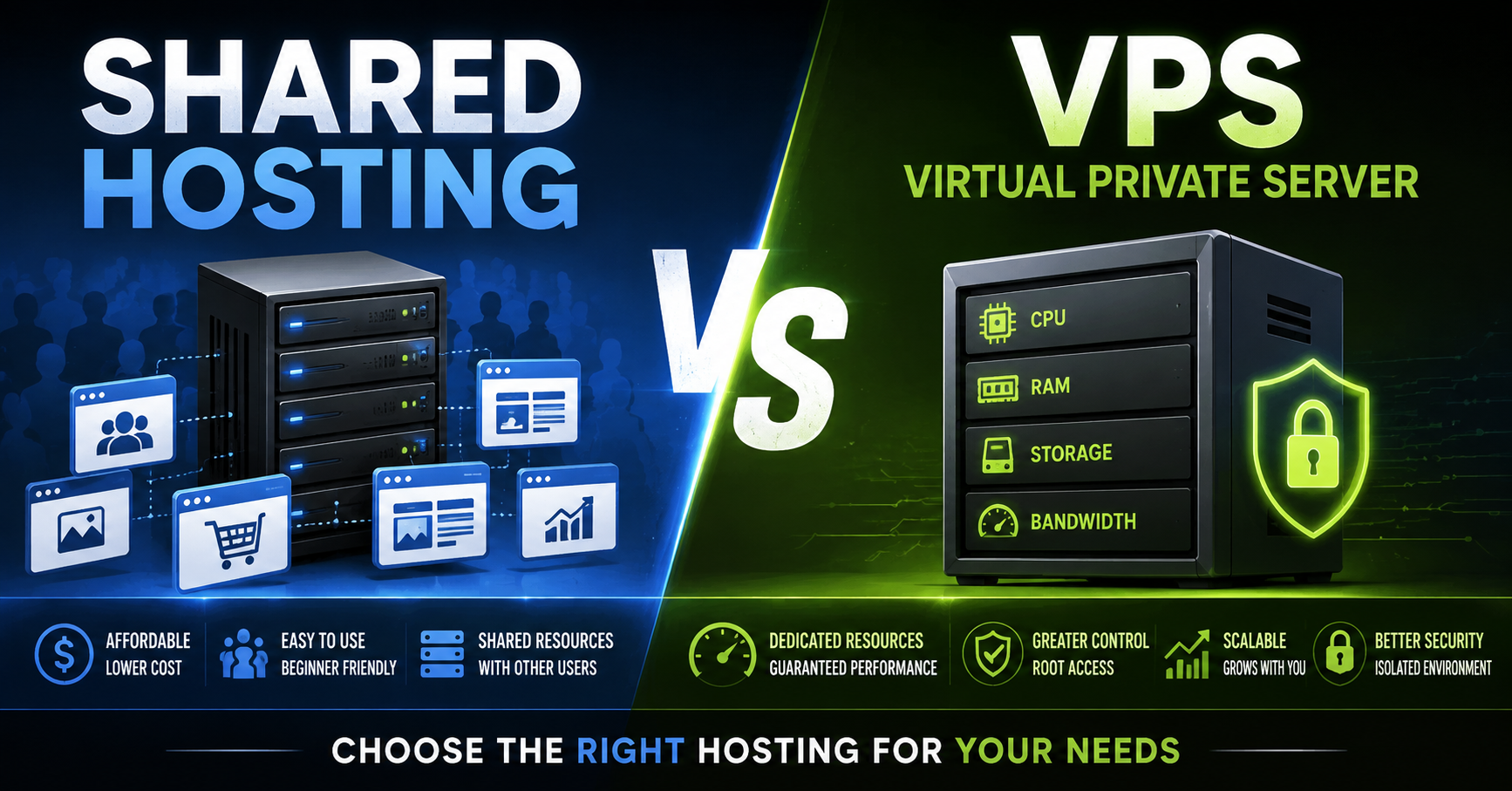
Shared hosting and a VPS (Virtual Private Server) are two common ways to host websites or applications. The core difference is how server resources and isolation are handled.
Shared Hosting
Multiple websites from different customers share the same physical server and its resources (CPU, RAM, disk, bandwidth). A hosting provider manages the server, operating system, and most of the underlying software. You typically get a control panel (like cPanel or a simpler custom one) and limited ability to change server-level settings.
Advantages
- Lowest cost — often a few dollars per month.
- Very easy to use; little to no server administration required.
- Provider handles updates, security patches, backups (in many plans), and hardware maintenance.
- Quick to set up; suitable for beginners or simple sites.
Disadvantages
- Resources are shared, so a neighbor’s traffic spike or poorly optimized site can slow yours down (“noisy neighbor” problem).
- Limited performance and scalability; not ideal for high-traffic or resource-heavy applications.
- Restricted control (no root access, limited ability to install custom software or change configurations).
- Potential security risks if another site on the same server is compromised (though modern providers isolate accounts reasonably well).
- Less flexibility for advanced needs (custom software stacks, specific server modules, etc.).
VPS (Virtual Private Server)
A physical server is divided into multiple isolated virtual machines using virtualization (or containerization in some modern offerings). Each VPS gets its own allocated slice of CPU, RAM, storage, and usually a dedicated IP. You get root/administrator access and can run your own operating system and software stack. The provider still manages the physical hardware and the hypervisor layer.
Advantages
- Dedicated resources — performance is more predictable and generally better than shared hosting.
- Stronger isolation between customers, improving security and stability.
- Full (or near-full) control: install any software, configure the OS, run custom services, choose your own stack.
- Better scalability — you can usually upgrade CPU, RAM, or storage relatively easily.
- Suitable for medium-to-high traffic sites, applications, development environments, or anything that needs more control.
Disadvantages
- Higher cost than shared hosting (though still far cheaper than a dedicated physical server).
- Requires more technical knowledge (or willingness to learn) for server administration, security hardening, updates, and troubleshooting.
- You are responsible for much of the software maintenance, security, and monitoring (unless you choose a managed VPS).
- Still shares the underlying physical hardware, so extreme resource contention at the host level is theoretically possible (though far less common than on shared hosting).
Quick Comparison
| Aspect | Shared Hosting | VPS |
|---|---|---|
| Cost | Lowest | Higher |
| Ease of use | Very easy | More technical |
| Resource control | Shared / limited | Allocated / dedicated slices |
| Performance | Variable, can be limited | More consistent and higher |
| Isolation / security | Basic | Stronger |
| Customization | Very limited | High (root access) |
| Best for | Small sites, blogs, beginners | Growing sites, apps, developers |
In short: Choose shared hosting when you want the cheapest, simplest option for a low-to-moderate traffic website and don’t need deep control. Choose a VPS when you need better performance, isolation, or the freedom to configure the server yourself. Many people start on shared hosting and move to a VPS (or a managed cloud instance) as their needs grow.


