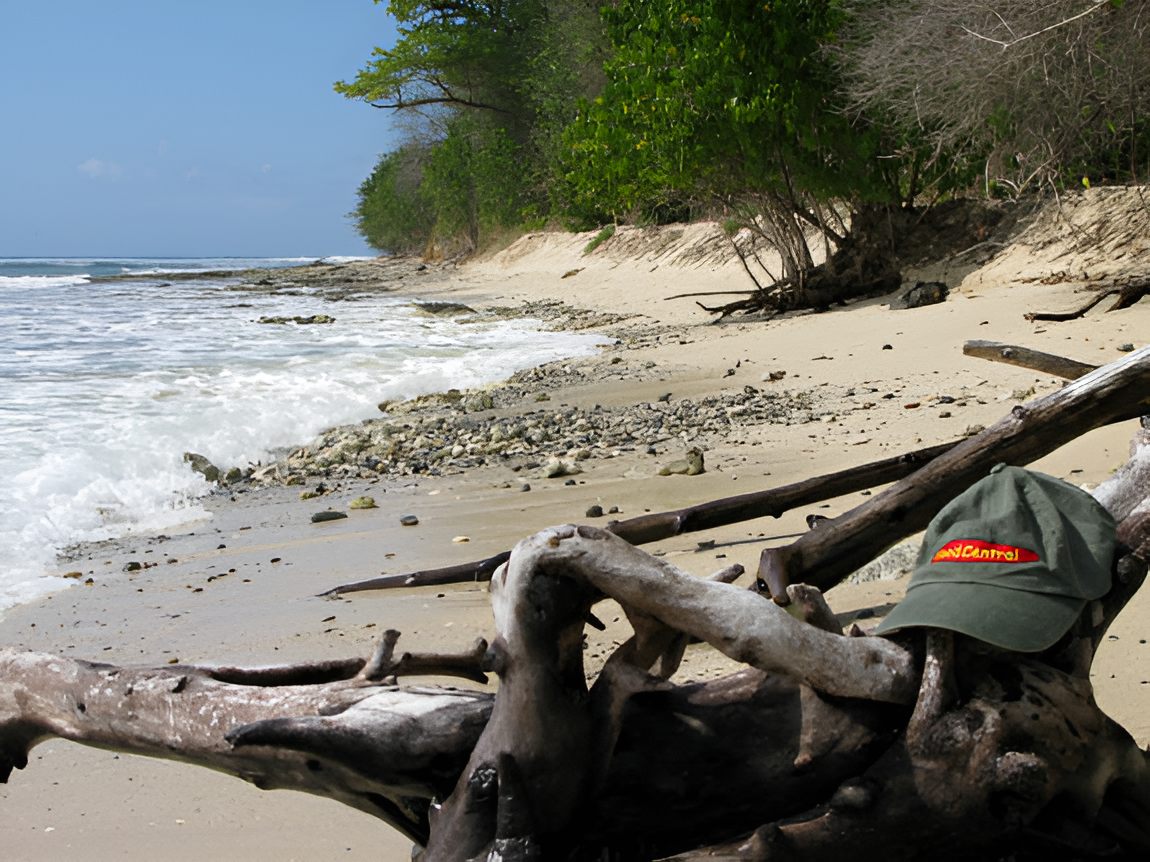
The images on the homepage have all been upscaled 2X using AI from their original small jpeg images and converted to webp format to load fast.
Added later 9 h 30 min 39 s:
There are hundreds, maybe thousands, of small images like this that are so small they don't convey much. They would serve as a nice thumbnail that clicks to a larger image, but the larger images don't exist.

Upscaling these images will make a tremendous difference IMO. What do you think?
The below isn't the best example. It was done using a free trial by those who offer this service. Paying allows for better resolution and a plethora of other enhancements that can be made.

Added later 2 d 12 h 08 min 55 s:
There are over 70,000 images that were uploaded to this site over the years. Here's a sample of a small percentage of them being upscaled to 1024px wide. The upscaling is a rather basic interpolation to add pixels based on adjacent pixels. It more complicated than that, but that is a rough explanation of how you take a small image and make it bigger. (This pertains to non-vector images (e.g., SVG format), which will scale with no loss of resolution.)
The "quality" of the upscale will depend on various factors. The smaller the image, the less realistic the upscaled image will be. It will often appear as "posterized" or "cartoonish" due to lack of details. Sometimes that lends a cool effect; other times not. It has problems with face and letters. This version I'm using does not use AI, so it doesn't know a face from the letter A. It just tries to interpolate based on adjacent pixels, so if letters are not clear they will appear unintelligible, and faces may appear waxen or the result of a really bad facelift. 
There are methods of upscaling using AI that produce much better results, but I don't have the computing horsepower to do that. If anyone has an older external graphics card used for gaming or video production and wants to donate it, I could try that.
https://www.woodcentral.com/piwigo/index.php?/category/1