Learning to post pic
Roger in MO
>Another try at the elm burl box. Thanks for your patience. Roger
Knowledge You Can Build On — Est. 1998
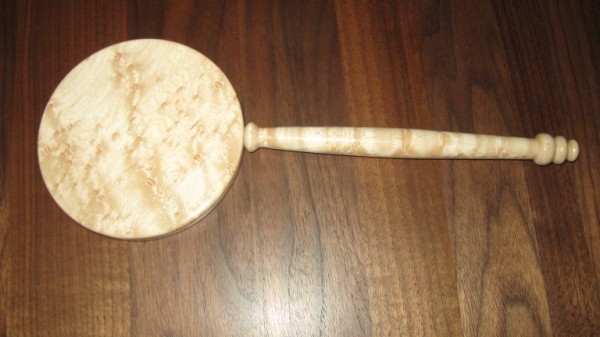
Learning to post pic
Roger in MO
>Another try at the elm burl box. Thanks for your patience. Roger
Re: Learning to post pic
Allen Neighbors
>Still nothing. Sorry.
Re: Learning to post pic
Carole Valentine
>Just trying something here Roger.
Re: Learning to post pic
Ron in Drums PA
>I downloaded your image, I have no idea why it is blue.
Tell me your procedure on how you manipulated the images
Re: Learning to post pic
Roger in MO
>Csrole, whatever you did worked. Now, how can I duplicate it?
In reguard to the pixels, if I resize it any larger I get the message that its too large to post.
I checked the "size" of the pics I tried to post Saturday and they were 200x209.
What do you use to resize? Maybe there is something in Adobe Photo delux that is causing the problem. Are you familiar with the program Ron Drums suggested, bluefive.pair.com/pixresizer??
Again, thanks for staying with me on this.
Roger
Re: Learning to post pic
Roger in MO
>Ron:
The photo is located in "my pictures"
Using Adobe Photo Delux,
get and fix photo>get photo>open file>locate the photo and open.
To resize it:
Advanced>size>trim>size
Type in trial number for pixel W and H
This frame will show file size (see note below)
send & save>disc>save>type in name and .jpg
open my pictures, find the image and check the file size
if over 80, repeat with another trial size.
Note: The size that shows after sizing in Adobe is much smaller than the size that shows when I pull it up from my pictures. But when I try to post from a size that shows under 80 in adobe I get the message it is too large. When I try to post from an image that is under 80 in my pics, I get the box with red x.
I really apprecite your response to my problem.
The "blue" is something I inadvertently hit with working with adobe.
I grabbed the wrong image to post I guess. I do have natural colored pics in file.
Roger
Re: Learning to post pic
Ron in Drums PA
>Ok, I don't think its the way you manipulated the images.
Try this (I may be a bit elementary)
First download and install the software I suggested http://bluefive.pair.com/pixresizer.htm Don't worry, it's clean and safe. Start the program
Find your original image, one that you didn't play with in Adobe Photo and open it in Pixresizer. Let the program decide the size and save it in a location where you can find it later. Before clicking on "save", change the file name to "test.jpg"
Log on this forum and click on "post response"
Next to "Optional Graphic Upload:" click on browse and find test.jpg
Click on the image then click on open.
Now click on preview, you should see your image. If you do click on post message. If not let me know
Re: Learning to post pic
Bill Hale / The Wood Spinner
>Roger
In Microsoft XP system there is a program called PAINT.
It is easy and seems to work ever time. Open the Pic check ---immage and resize with stretch and skew. Be sure when you resize to do it both axis. eg 40 x 40.
Then check -- immage - atributes and when you get to the size you want save as - ( what ever you want and where ever you want ) I created a folder on the desktop called Turning Pics and that is what I use.
Bill in CG, AZ.


