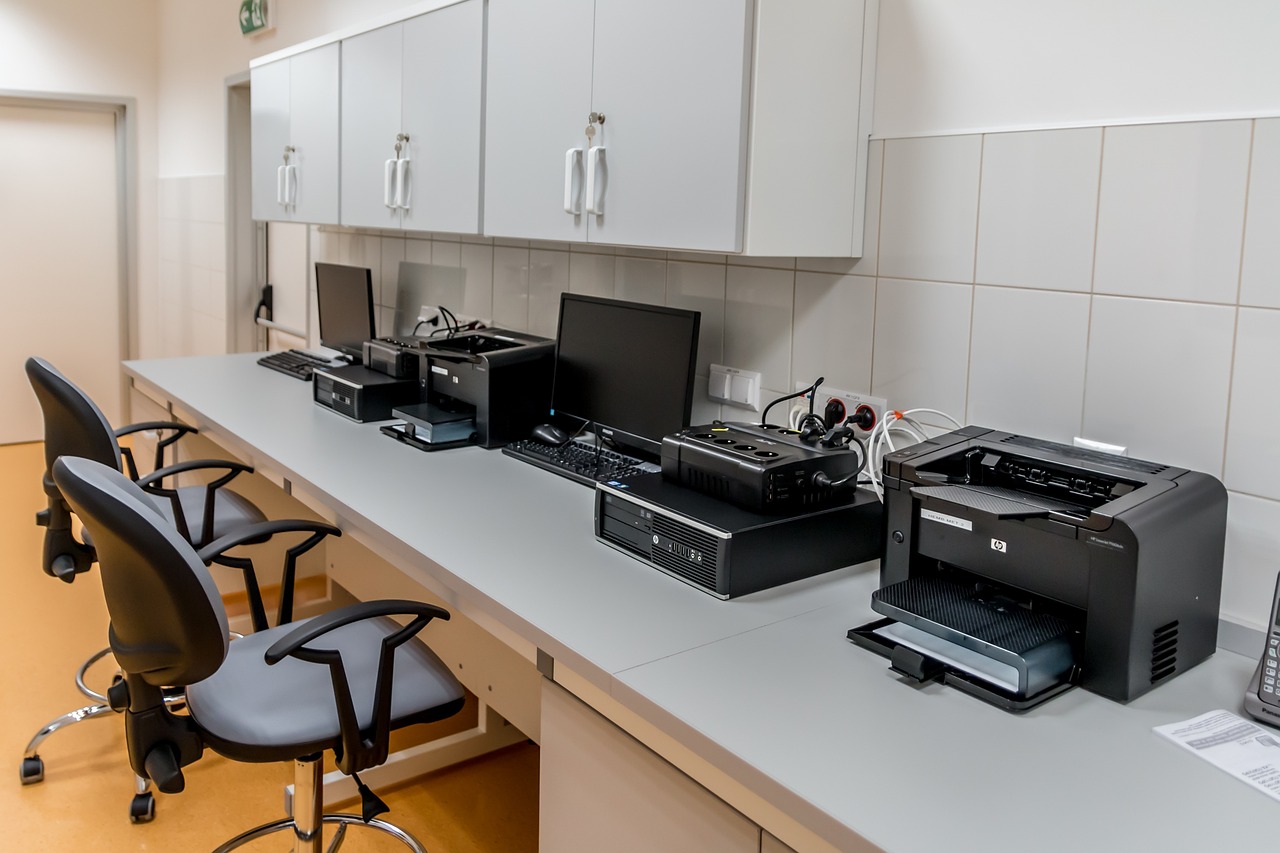
Installing printers on Debian

Copy and paste to terminal:

if command -v pacman &> /dev/null; then
    sudo pacman -Syu --noconfirm cups cups-browsed avahi hplip gutenprint foomatic-db-engine \
    && sudo systemctl enable --now cups cups-browsed avahi-daemon
elif command -v apt &> /dev/null; then
    sudo apt update \
    && sudo apt install -y cups cups-browsed avahi-daemon hplip printer-driver-gutenprint \
    && sudo systemctl enable --now cups cups-browsed avahi-daemon
else
    echo "Unsupported Linux distro — install CUPS, Avahi, and drivers manually"
fi

Leave a Comment

Licensed under CC BY-NC 4.0

DevOps viewpoints are those of its owner. You may share and adapt this article for non-commercial purposes, provided proper attribution is given. Attribution should include:

Title: Installing printers on Debian
Author: peter arthur martin
Original URL: https://www.woodcentral.com/-/peter/installing-printers-and-bluetooth-on-devuan-lxqt/
License: CC BY-NC 4.0

Site Index

👍 This page answered my questions

Your vote helps other woodworkers quickly find the answers and techniques that actually work in the shop.