When you visit a website, such as a news site, an online store, or a woodworking forum, you are communicating with another computer somewhere on the internet. That computer, along with the software running on it, makes the website available to you.
Let’s look at the basic pieces and how they work together.
1. What is a server?
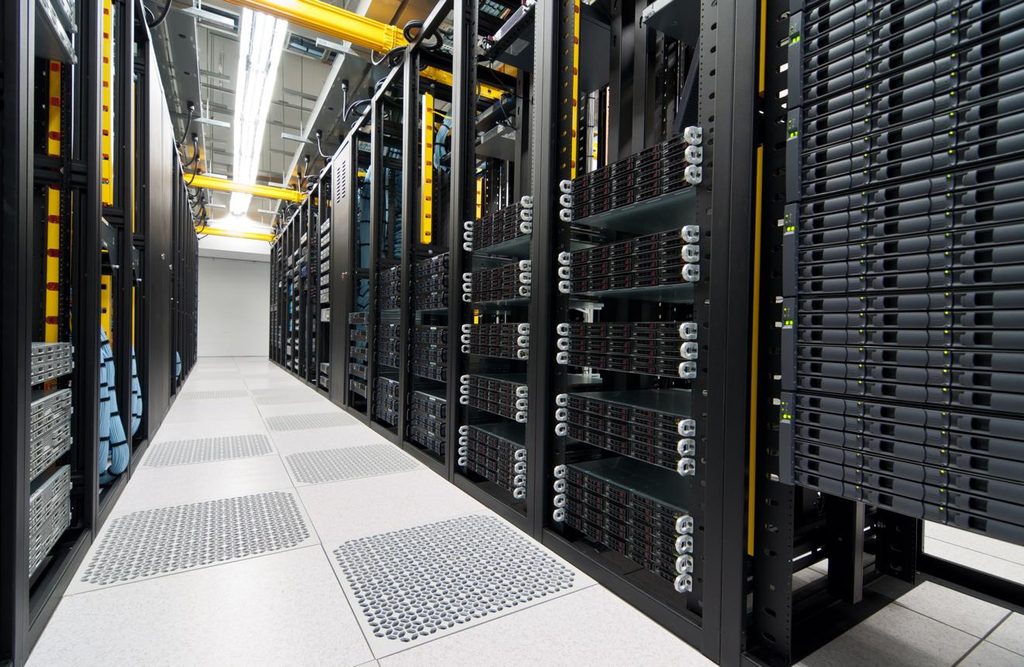
A server is a computer that provides information or services to other computers, which are called clients.
Your desktop or laptop is a client when you use it to browse the web. A server is the computer that responds to your browser’s requests.
A server might be a powerful computer in a commercial data center, a computer in an office, or even an ordinary computer configured to serve websites. What makes it a server is primarily the job it performs, not its physical appearance.
For example, when you visit a woodworking website:
- You enter the website’s address into your browser.
- Your browser contacts the server hosting the website.
- The server processes your request and sends back the information needed to display the page.
- Your browser interprets that information and displays the website on your screen.
This exchange typically takes place in fractions of a second.
2. The operating system: The server’s foundation
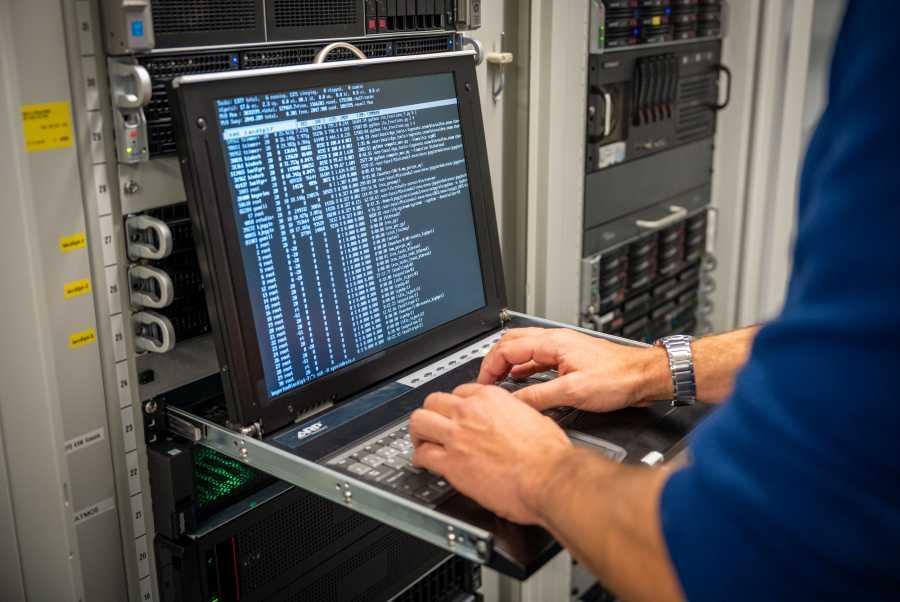
Every computer needs an operating system (OS) to manage its hardware, memory, storage, networking, and running programs.
You may use Windows, macOS, or Linux on your personal computer. Servers also use operating systems, but Linux is particularly common for hosting websites.
The operating system is responsible for tasks such as:
- Managing the computer’s processor and memory.
- Reading and writing files to storage.
- Managing network connections.
- Controlling which programs run and what resources they can use.
- Providing security controls and user permissions.
Popular server operating systems include:
- Linux: Ubuntu Server, Debian, AlmaLinux, Rocky Linux, and others.
- Windows Server: Microsoft’s operating system designed for server environments.
The operating system does not ordinarily display the website itself. Instead, it provides the foundation on which the website-serving software runs.
3. Web server software: The program that answers requests

A computer running Linux or Windows is not automatically a website server. It needs web server software to accept browser requests and deliver website content.
Common examples include Apache HTTP Server, Nginx, and LiteSpeed.
When your browser requests a page, the web server software determines how to handle that request.
For a simple, static page, it might read an HTML file from storage and send it to your browser.
For a more complex page, it might pass the request to another program, such as PHP, which generates the page dynamically.
Think of the operating system as the foundation of a building and the web server software as the reception desk that handles incoming requests.
4. The website itself: HTML, CSS, JavaScript, and PHP
A website is not a single program. It can consist of many files and programs that work together.
HTML — The structure
Defines the content and structure of a page: headings, paragraphs, links, images, forms, and other elements.
CSS — The appearance
Controls colors, fonts, spacing, layouts, and how a page adapts to different screen sizes.
JavaScript — Browser-side behavior
Adds interactive features, such as menus, image viewers, and content that updates without reloading the page.
PHP — Server-side processing
Runs on the server to perform tasks such as retrieving articles, checking permissions, processing forms, and generating HTML.
HTML, CSS, and JavaScript are generally delivered to the browser, where the browser interprets them. PHP, by contrast, runs on the server. The visitor normally receives the resulting page, not the PHP source code.
A website may also use a database, such as MySQL or PostgreSQL, to store forum posts, user accounts, product listings, or other information.
5. Putting everything together
Here is a simplified view of what happens when someone visits a website.
1. Visitor’s browser
Requests a web page
2. Web server software
Accepts and routes the request
3. Operating system and server-side programs
The OS manages resources; PHP or other programs process the request when needed
4. Files and optional database
Provides the requested content and stored information
5. Browser displays the page
Receives HTML, CSS, images, and other resources
Simplified model. The actual sequence varies, and many requests do not require a database or server-side program.
For example, when you open a forum discussion, the web server may invoke PHP to retrieve the discussion from a database and build an HTML page. The server sends that HTML to your browser, which uses CSS to format it and displays the result.
When you click a link to an existing static article, the server may simply deliver an HTML file without running PHP or accessing a database at all.
6. What about hosting companies and control panels?
Most website owners do not purchase a physical server and maintain it themselves. Instead, they rent hosting from a provider.
A hosting company may supply several layers of software:
| Component | Purpose |
|---|---|
| Physical server | The computer hardware that performs the work |
| Operating system | Manages hardware and running programs |
| Web server | Handles incoming HTTP and HTTPS requests |
| PHP runtime | Executes PHP website code |
| Database server | Stores and retrieves structured information, if required |
| Control panel | Lets the website owner manage files, domains, email, and settings |
| Website software | The actual site, such as a forum, gallery, or publishing platform |
A control panel such as DirectAdmin or cPanel is an administrative tool. It is not the operating system or the web server itself.
One physical machine can also host many websites belonging to different owners. This is called shared hosting. The hosting software separates the websites’ files, settings, and permissions so they can operate on the same hardware.
7. What happens when you type a domain name?
There is one more important piece: DNS, or the Domain Name System.
When you enter example.com, your computer needs to discover where that domain points. DNS provides the information needed to locate the appropriate server or network endpoint.
After that, your browser typically establishes an HTTPS connection, which encrypts communication between the browser and the website endpoint. A service such as Cloudflare may sit in front of the hosting server, handling requests before they reach the origin server.
The process is therefore roughly:
Domain name → DNS lookup → HTTPS connection → web server → website processing → browser display.
DNS does not contain the website itself. It helps your browser find where to request it.
The essential distinction
Remember these four terms:
- Server: The computer providing the service.
- Operating system: The software that manages the computer and its resources.
- Web server software: The program that accepts browser requests and delivers website content.
- Website: The files, scripts, and optional databases that supply the actual content and functionality.
Your browser is the software that ultimately renders the page on your screen. The server supplies the content and performs whatever processing is necessary to produce it.
These layers work together, but they are separate components. Understanding that distinction makes it much easier to understand how websites are hosted, maintained, secured, and repaired.


