If you’re diving into Linux for the first time—or switching desktops and wondering where to start—there’s a lot of choice out there. Here’s a beginner-friendly comparison of some of the most popular desktop environments (DEs) on Linux: what they feel like, how they behave, and which ones might suit your preferences and hardware.
What is a desktop environment?
A desktop environment (DE) is the graphical interface you interact with: panels, menus, window decorations, system settings, etc. It’s separate from the core operating system and often replaceable or switchable. (TechRadar)
Because you (on Linux) can mix and match distros + DEs, the choice of DE often matters more to your everyday experience than the distro you pick. (How-To Geek)
Here are five of the most popular DEs, how they compare, and what kind of user/hardware they’re good for:
1. GNOME
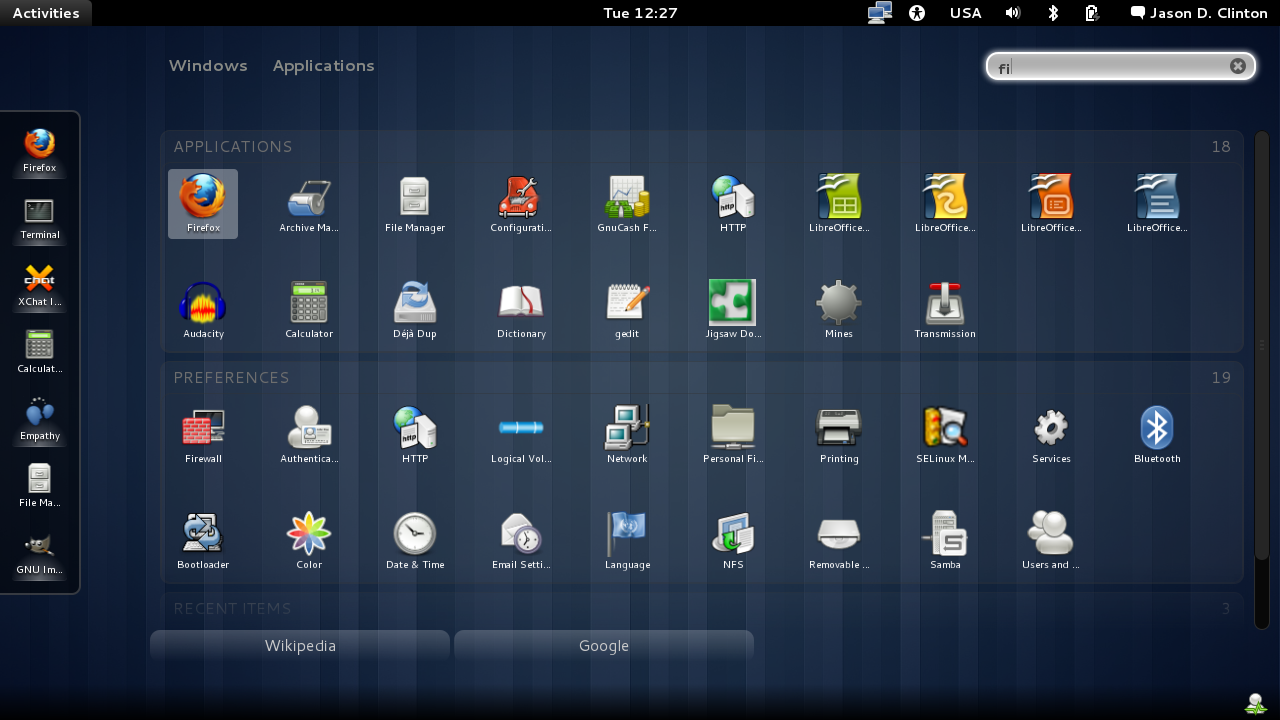
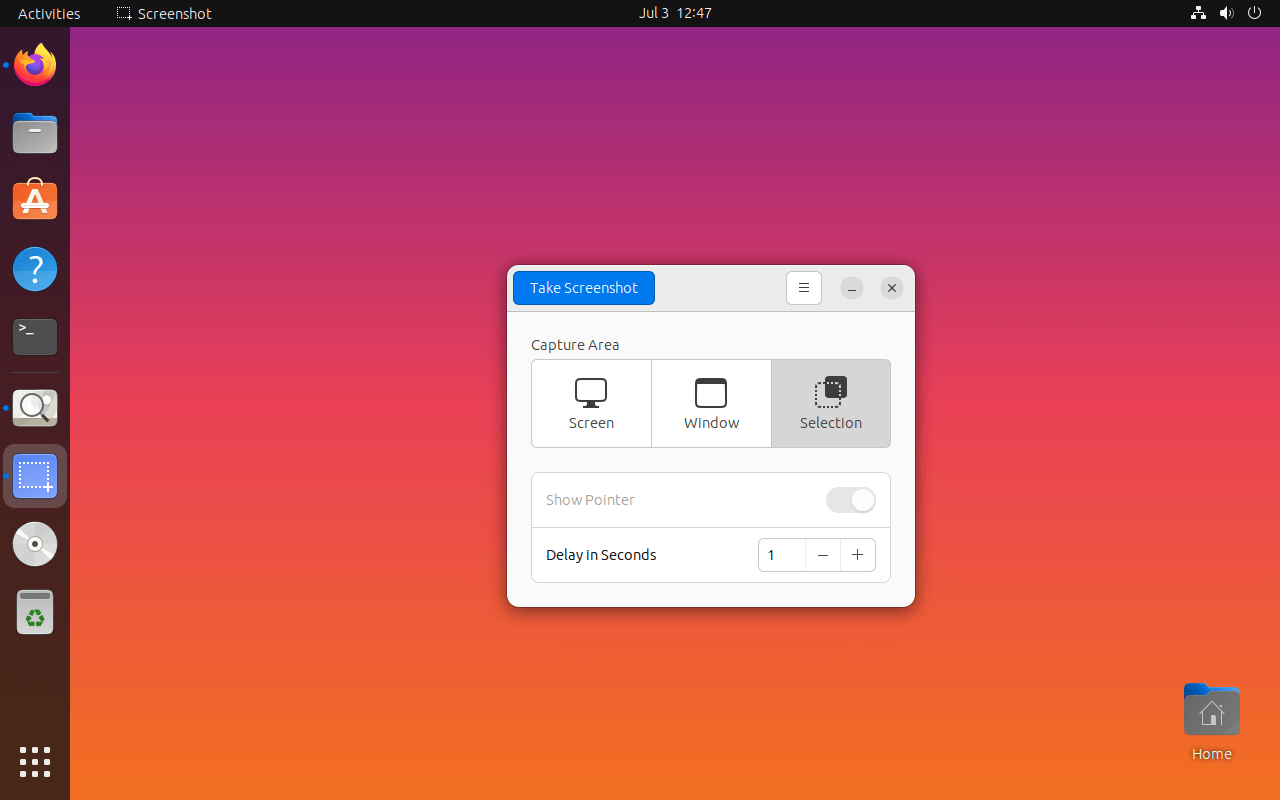
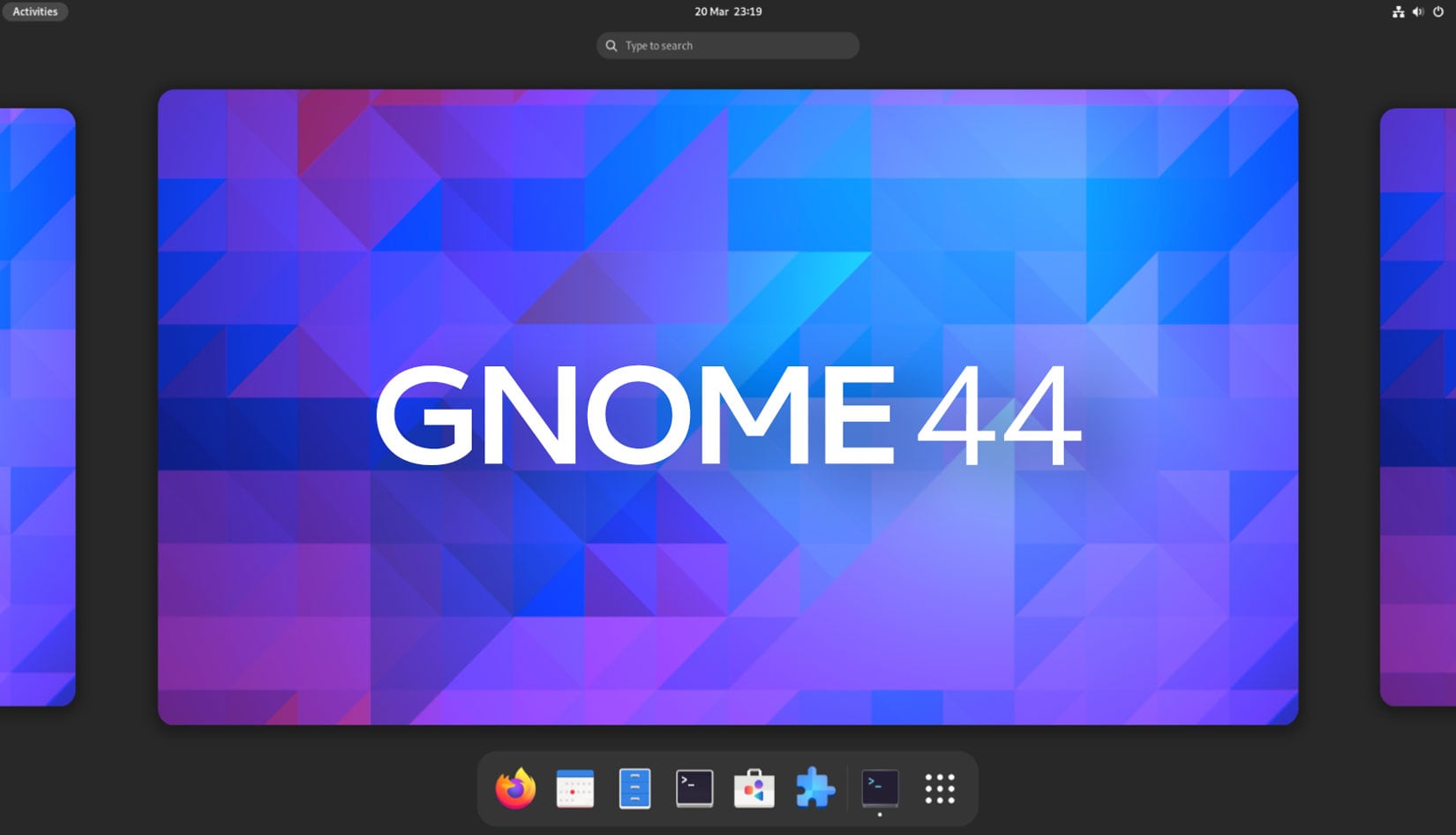
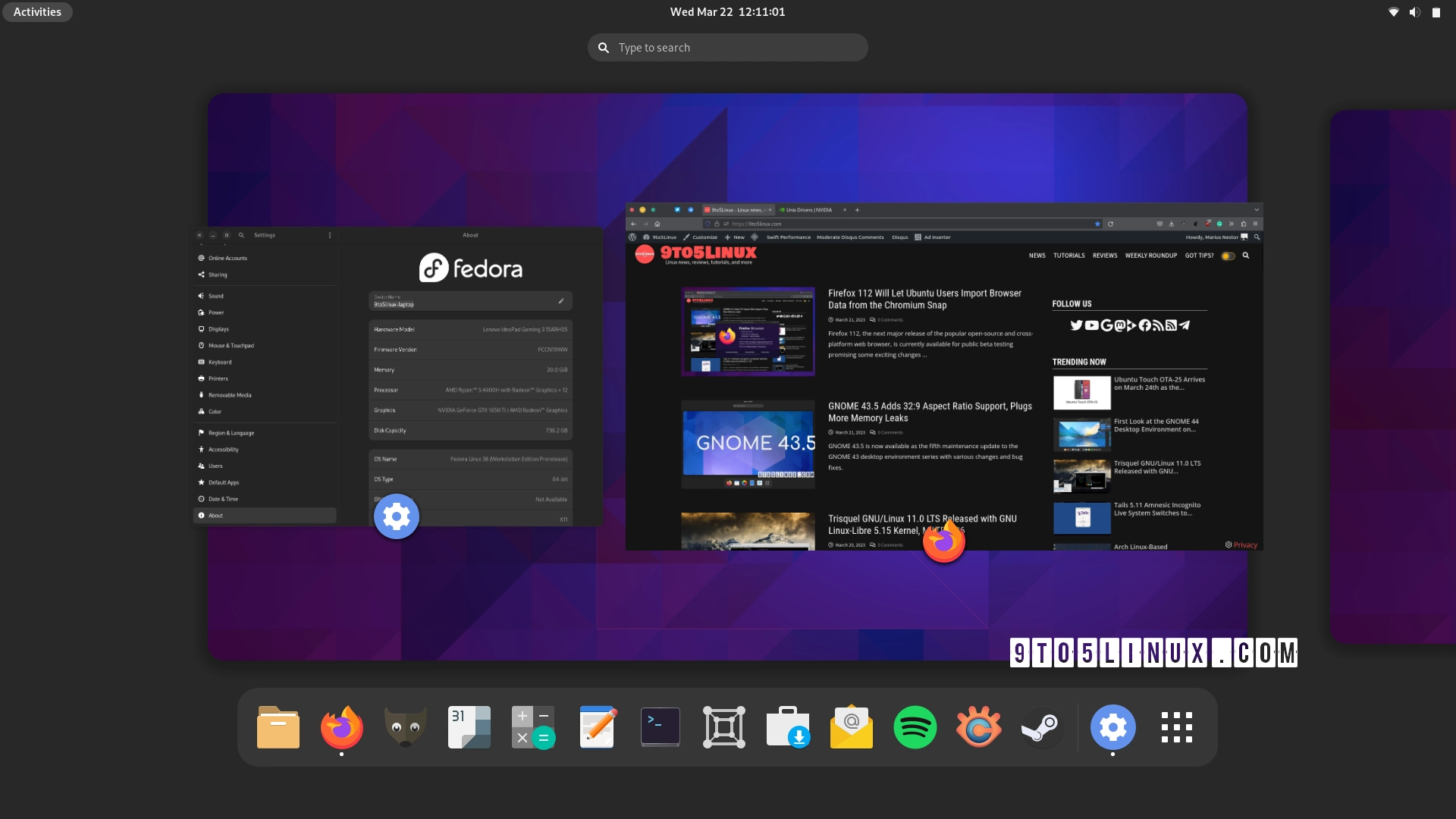

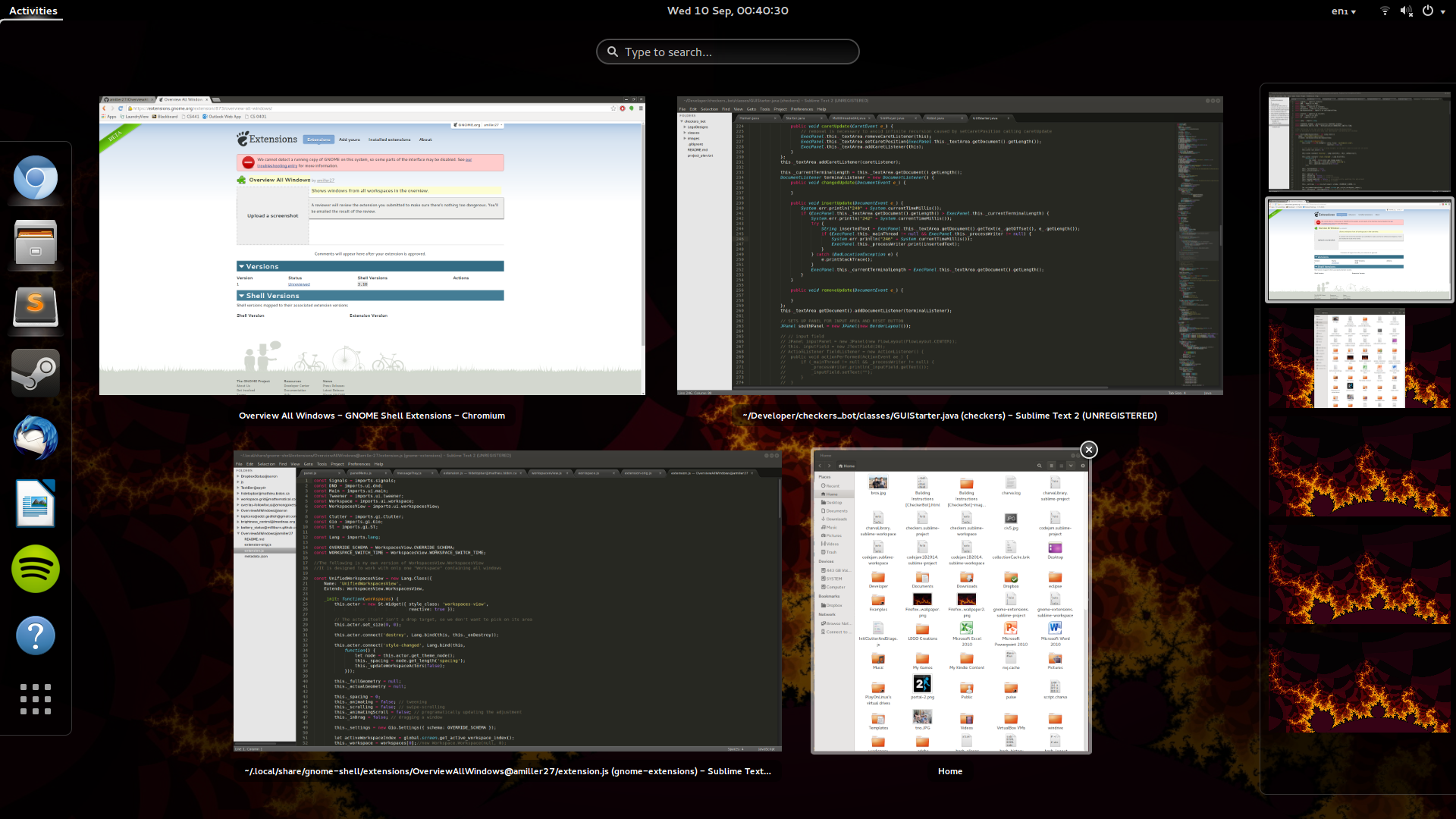
What it is: GNOME is the default DE in many major Linux distributions (e.g., Ubuntu, Fedora) and emphasises simplicity and clean design. (Linux Journal)
Strengths:
- Modern, clean interface.
- Many extensions available if you want to customise.
- Good community support.
Considerations / “gotchas”: - Can be more resource-hungry than very lightweight DEs. (Linux Journal)
- The workflow may feel different than Windows or classic desktops—there may be a learning curve.
Good for: Users with decent hardware (4 GB+ RAM), who want a polished experience and are okay with a bit of adaptation.
Less ideal for: Very old hardware, minimal performance setups, or folks who prefer a “traditional” desktop layout right out of the box.
2. KDE Plasma
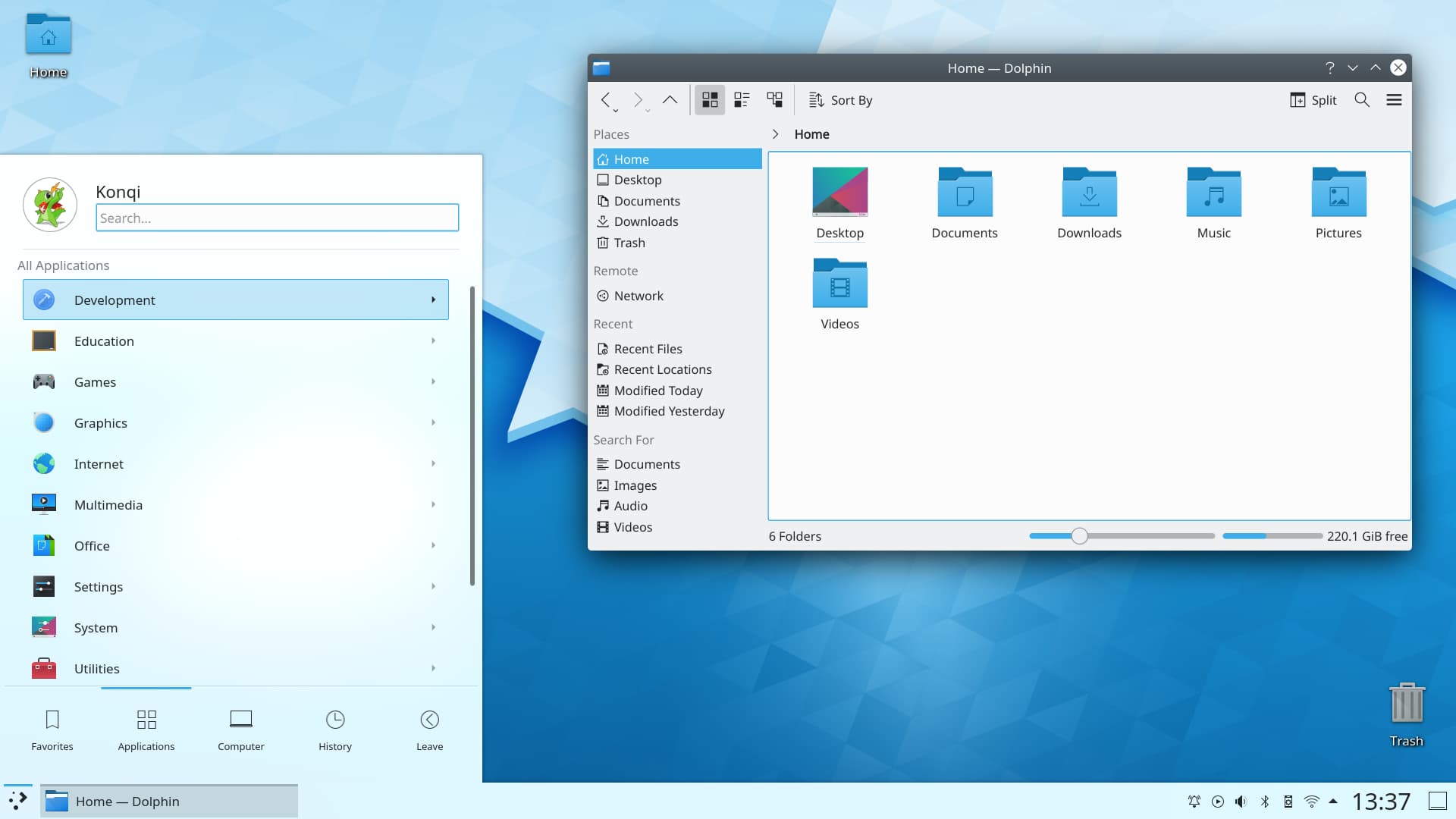


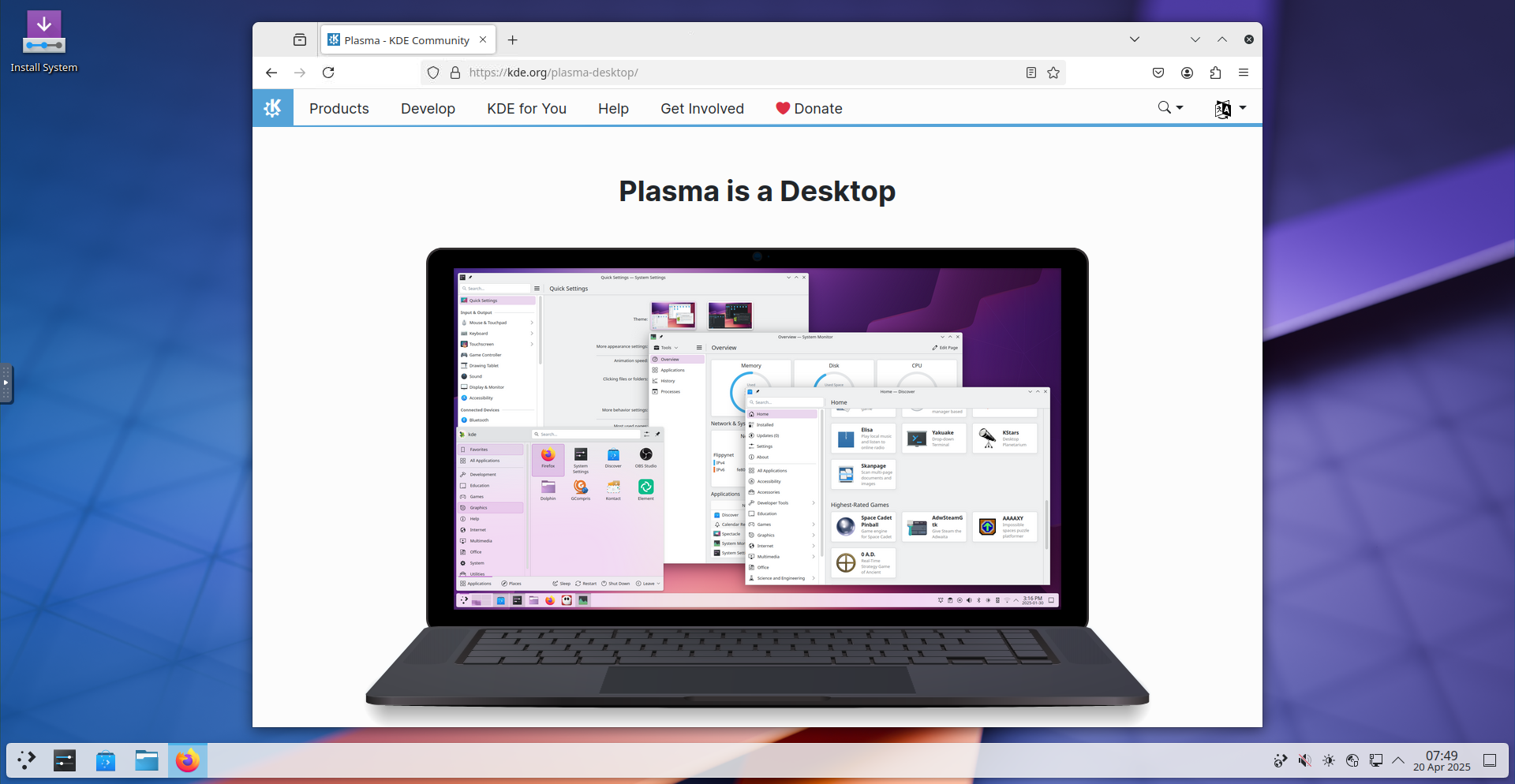
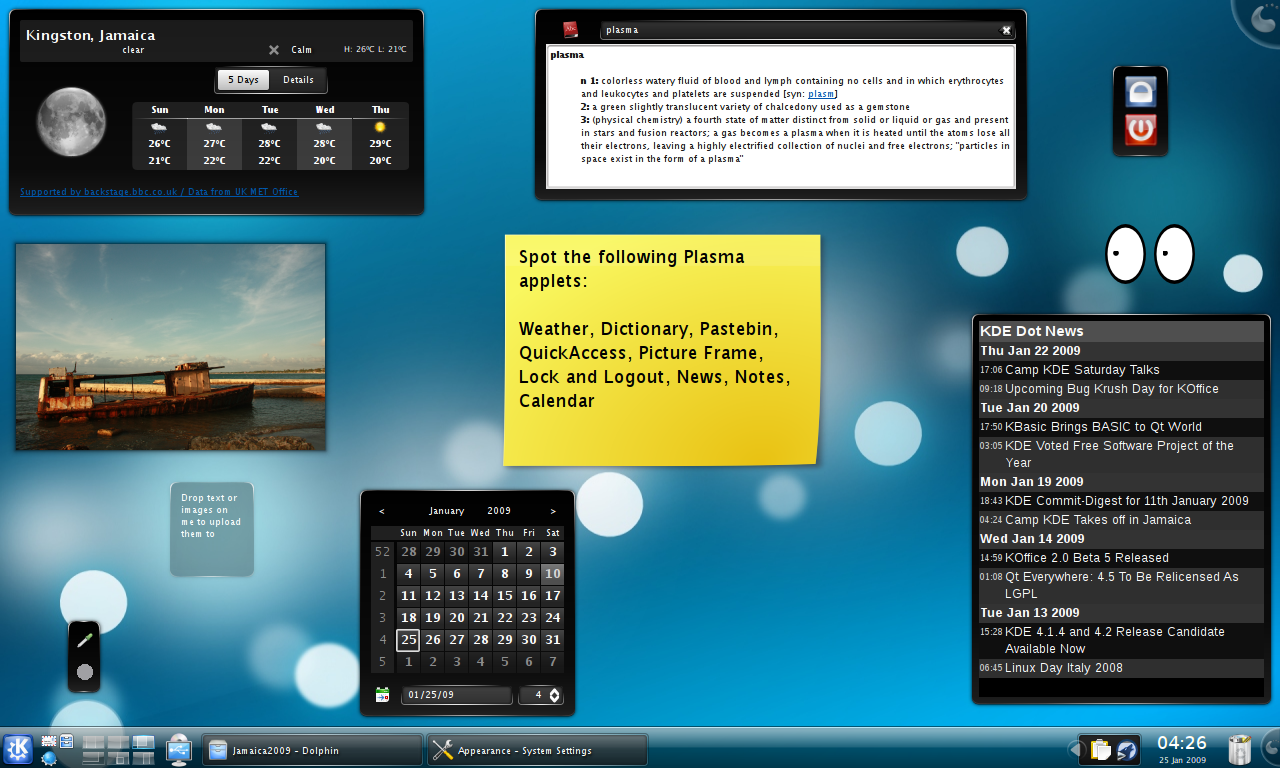
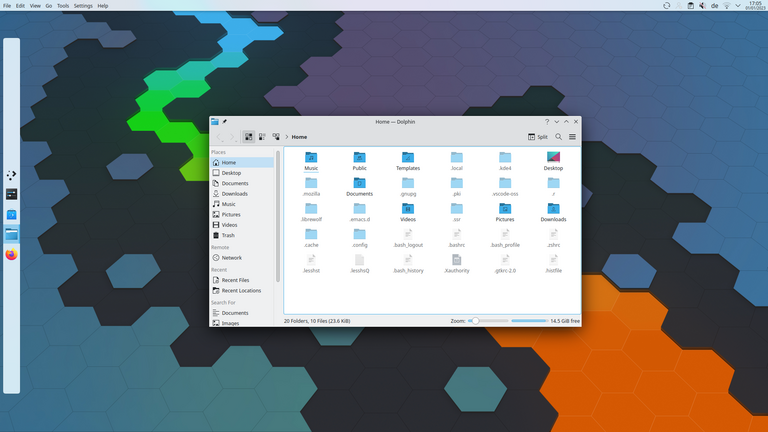
What it is: A highly customisable DE with lots of features, widgets, and configuration options. (How-To Geek)
Strengths:
- You can tweak almost everything: panels, widgets, themes.
- Strong feature set while still reasonably performant.
Considerations: - With great power comes more complexity. If you spend time tweaking you might spend more time than you bargained for.
- On very low‐spec hardware it may perform slightly less optimally than ultra-light DEs (but still very good).
Good for: Users who like customizing, coming from Windows/other OS and want a “feature-complete” desktop.
Less ideal for: Users who just want something simple, minimal, and “works out of the box” with zero fuss.
3. Cinnamon

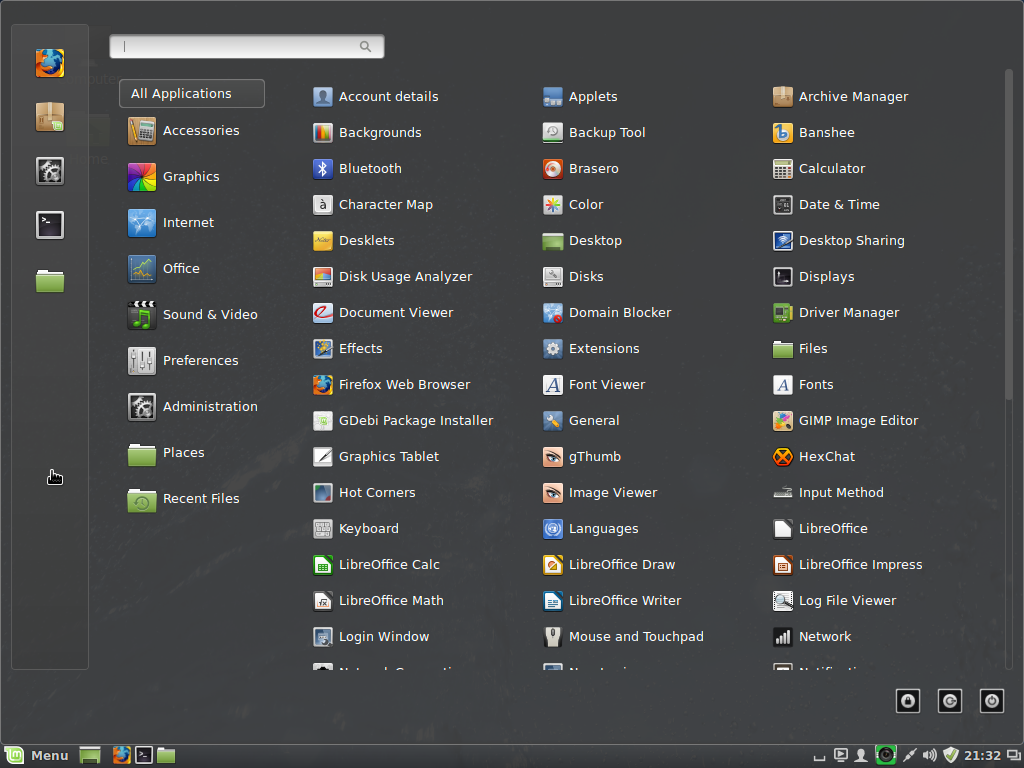

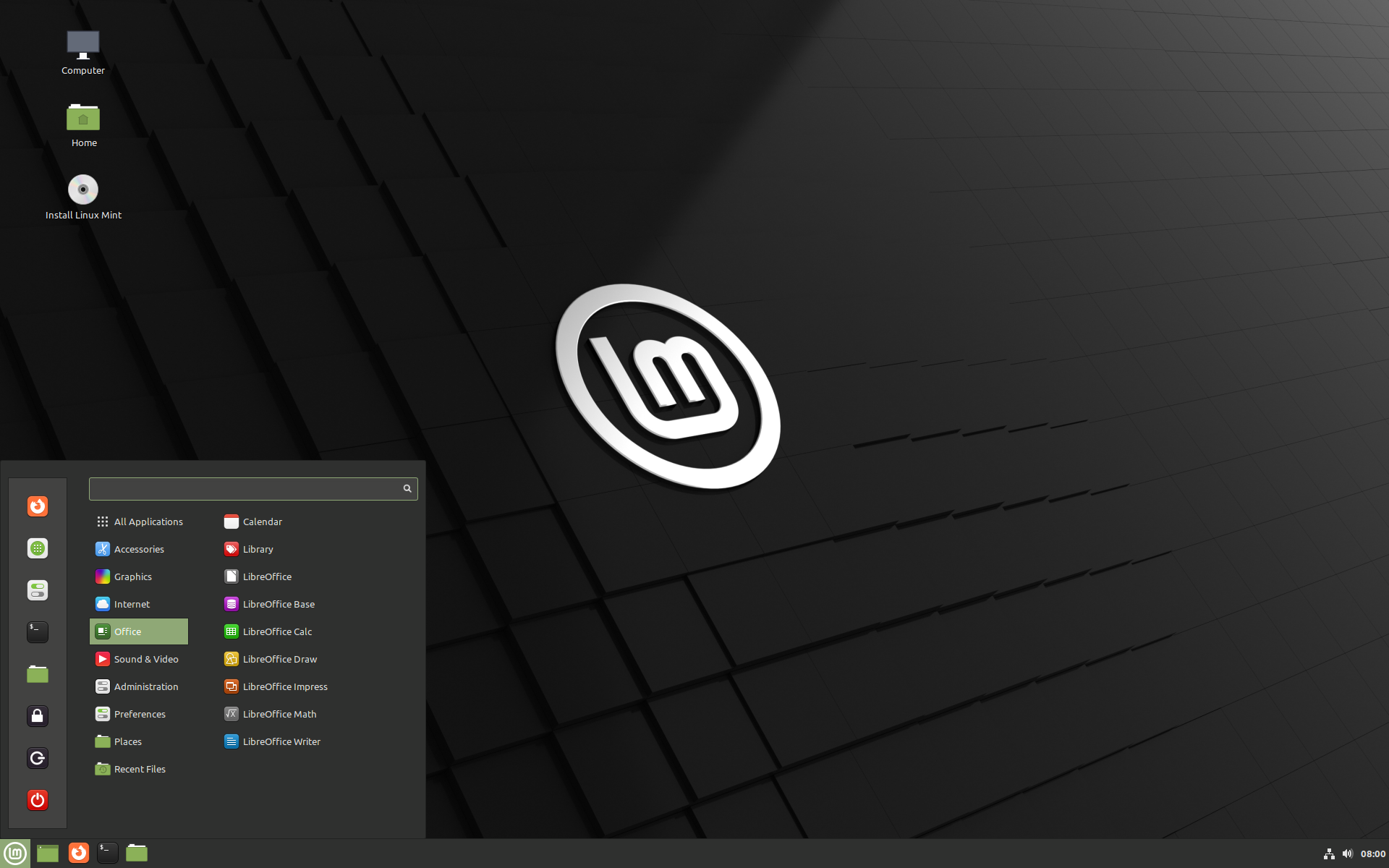

What it is: Originally developed by the team behind Linux Mint to bring a more traditional desktop layout (menus, taskbars) while using modern underpinnings. (Wikipedia)
Strengths:
- Familiar layout for users coming from Windows (taskbar + menu + tray).
- Balanced between simplicity and modern features.
Considerations: - Slightly less “shiny” or cutting-edge than KDE or GNOME in some respects.
- Might not be as lightweight as Xfce or LXQt (covered below) if you’re on ancient hardware.
Good for: New Linux users who want something comfortable and familiar.
Less ideal for: Extremes of hardware (very old) or those who want maximal customisation.
4. Xfce


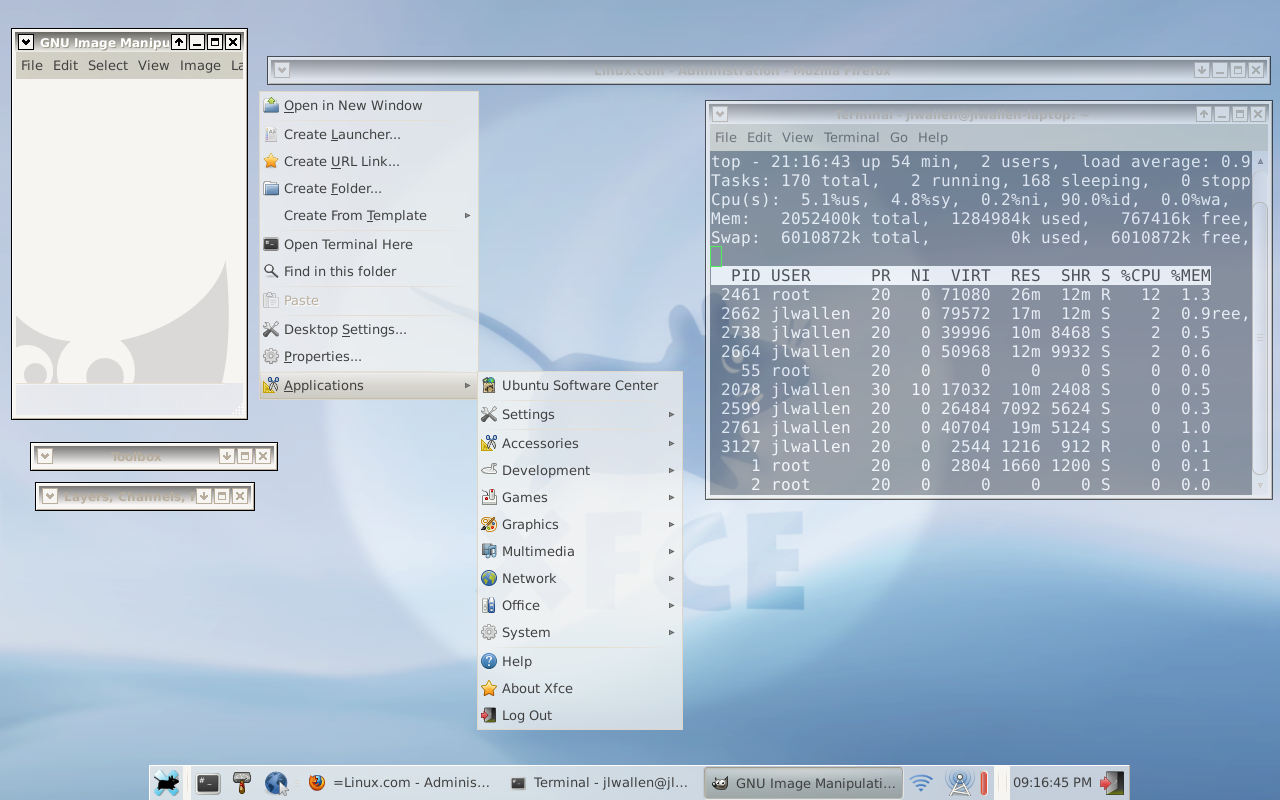

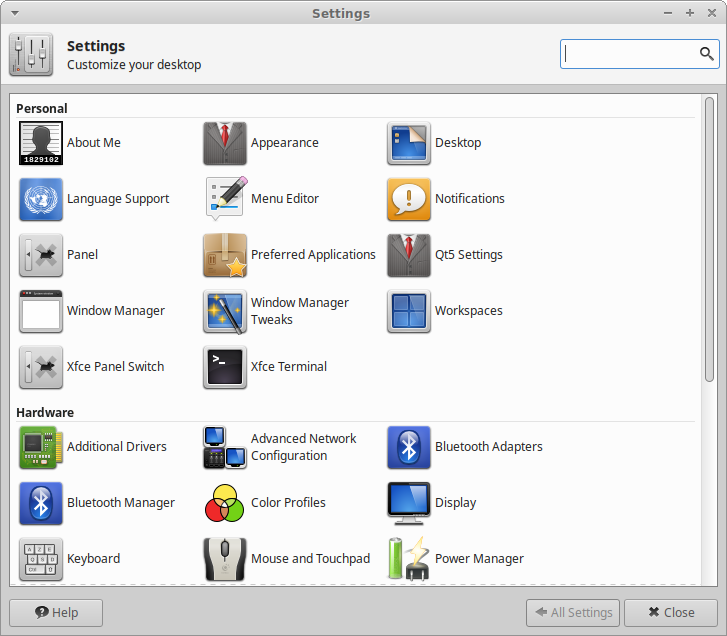
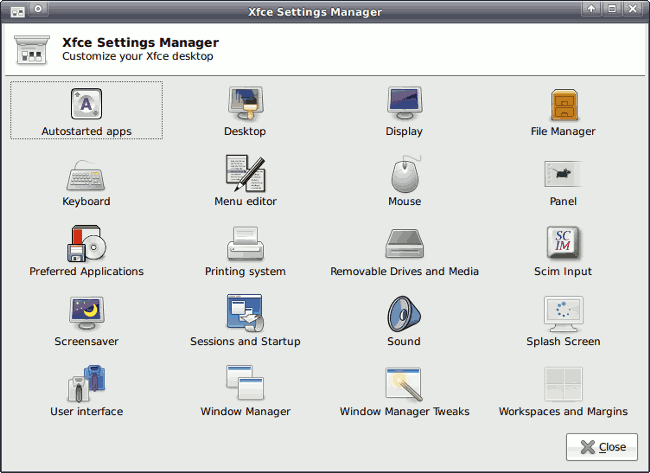
What it is: A long-standing, stable, lightweight DE focused on efficiency and speed rather than flashy effects. (Wikipedia)
Strengths:
- Lower resource usage (makes sense for older hardware). (How-To Geek)
- Very stable and minimal; you can add what you need.
Considerations: - Some may think it looks “dated” compared to modern animations or effects. (How-To Geek)
- Less “out of the box” polish in some distributions.
Good for: Older machines, resource-constrained setups, or users who value function over form.
Less ideal for: Users who prioritise shiny visuals or extensive custom effects.
5. LXQt
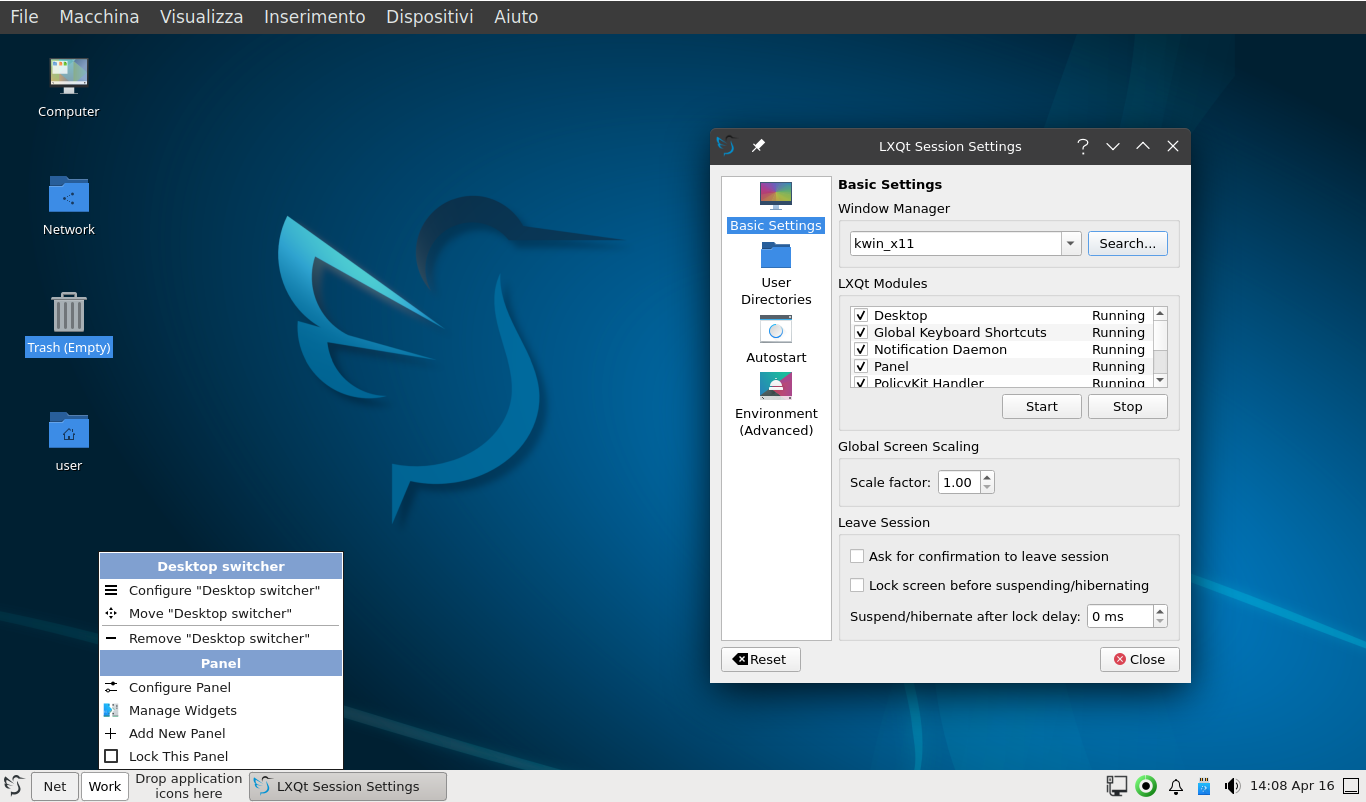
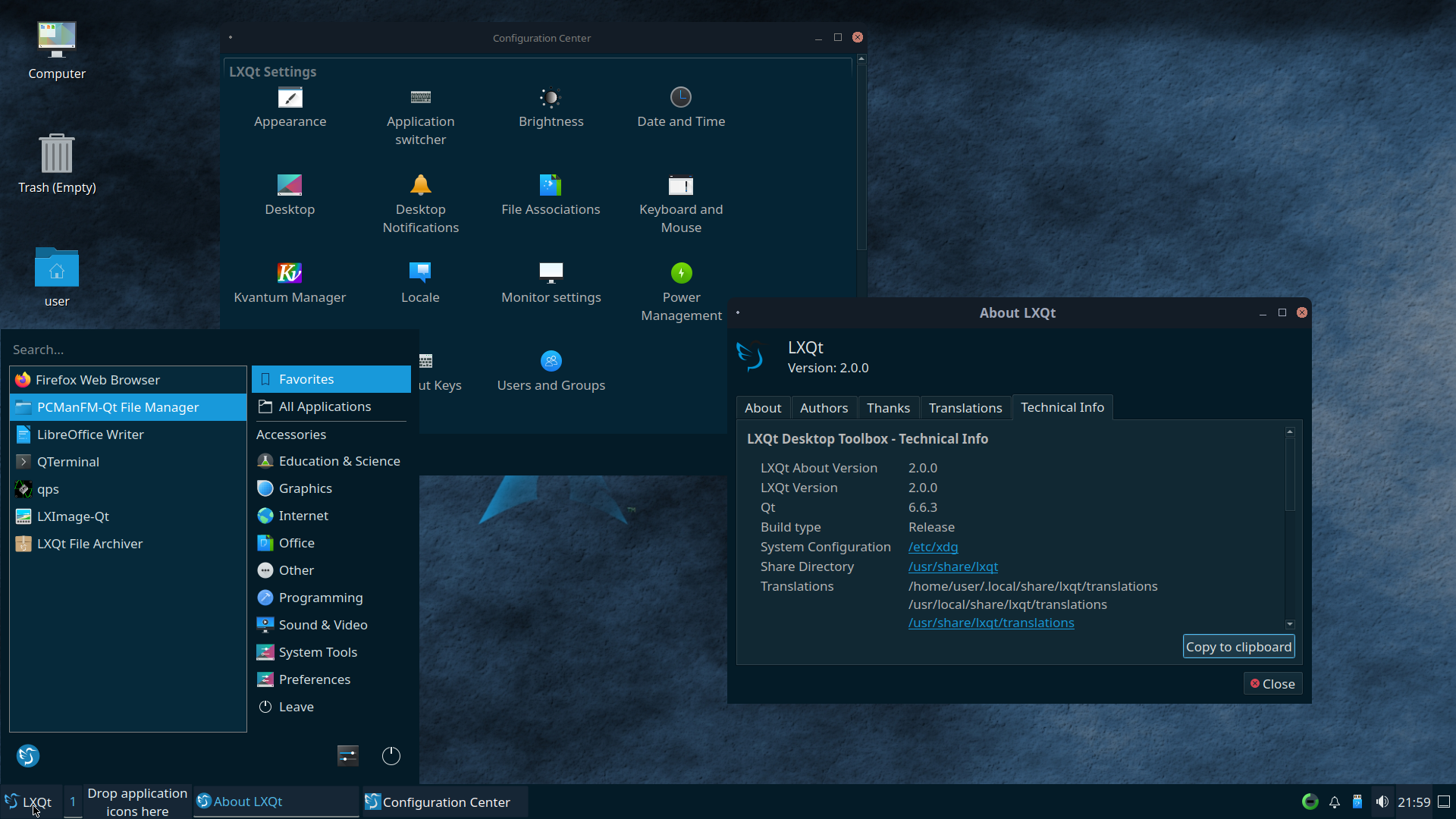

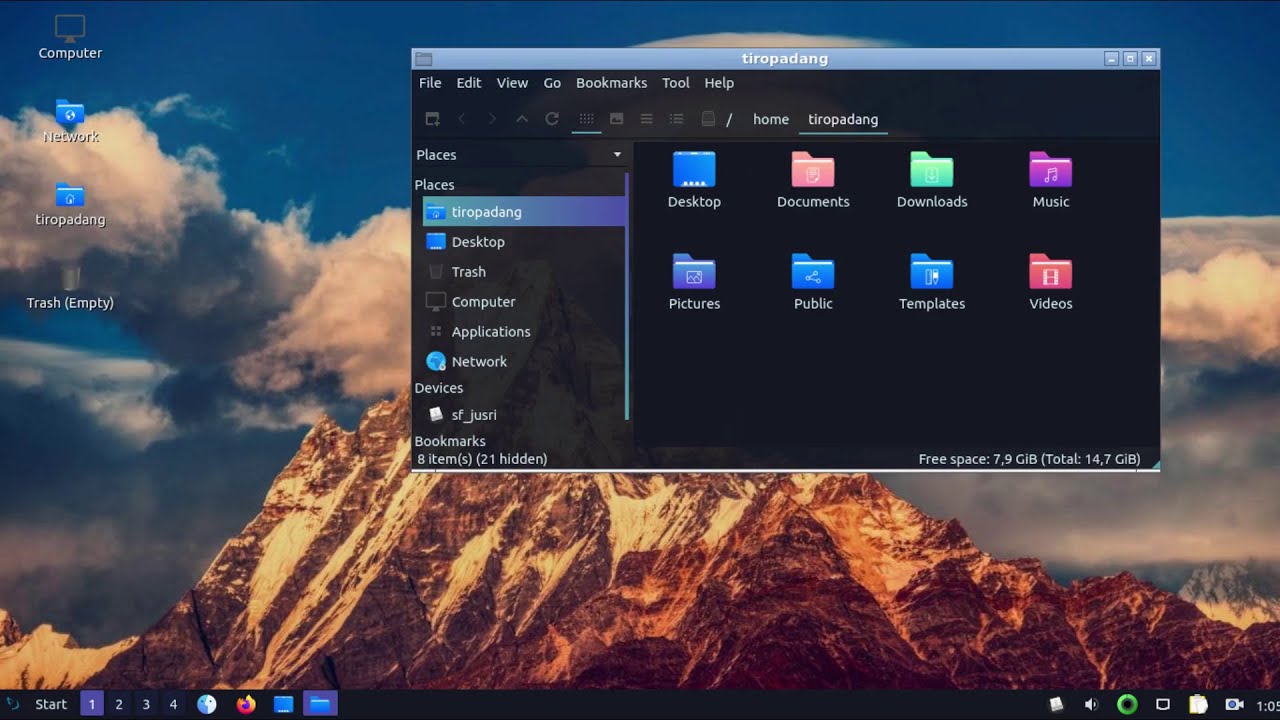
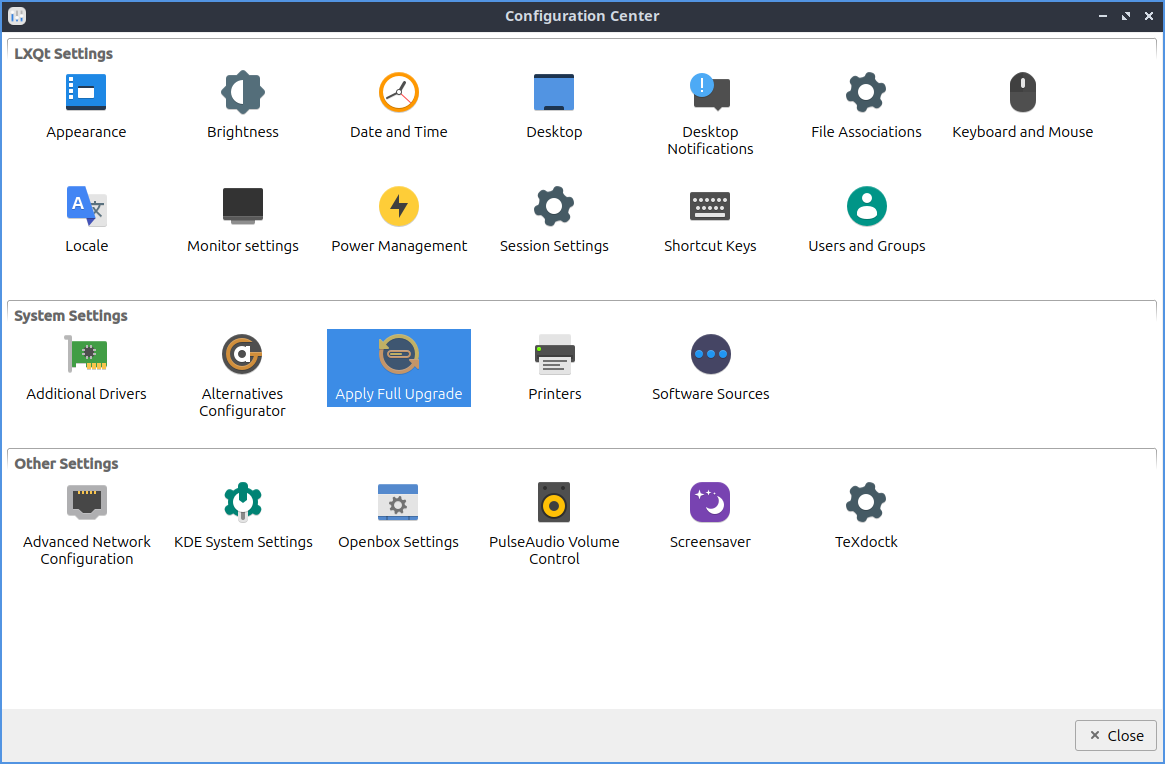
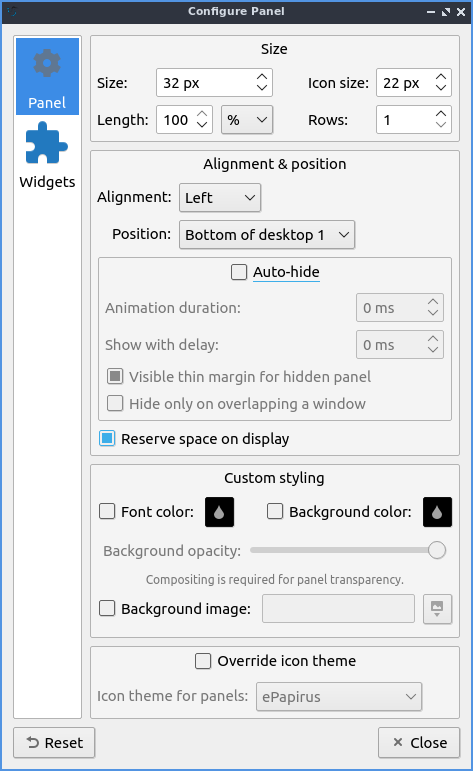
What it is: One of the most lightweight mainstream DEs you’ll find; designed for old hardware or minimal setups. (How-To Geek)
Strengths:
- Very low RAM/CPU footprint.
- Straightforward, minimal environment that lets you focus on applications rather than fancy desktop chrome.
Considerations: - Less visual polish, fewer built-in “extras”.
- May feel too “barebones” for users expecting lots of features.
Good for: Reviving older laptops, minimal systems, or users who are comfortable tweaking manually.
Less ideal for: Users who want modern UI flair or out-of-the-box features like automatic tiling, fancy effects, etc.
Summary Table
| Desktop Environment | Strengths | Trade-offs |
|---|---|---|
| GNOME | Modern design, mainstream support | Higher resource use; different workflow |
| KDE Plasma | Highly customisable and full-featured | More complexity; slightly heavier |
| Cinnamon | Familiar layout; beginner-friendly | Slightly less “modern” than top tier |
| Xfce | Lightweight and stable | Less flashy; somewhat traditional” looking |
| LXQt | Ultra-lightweight; for old hardware | Minimal extras; less polish |


