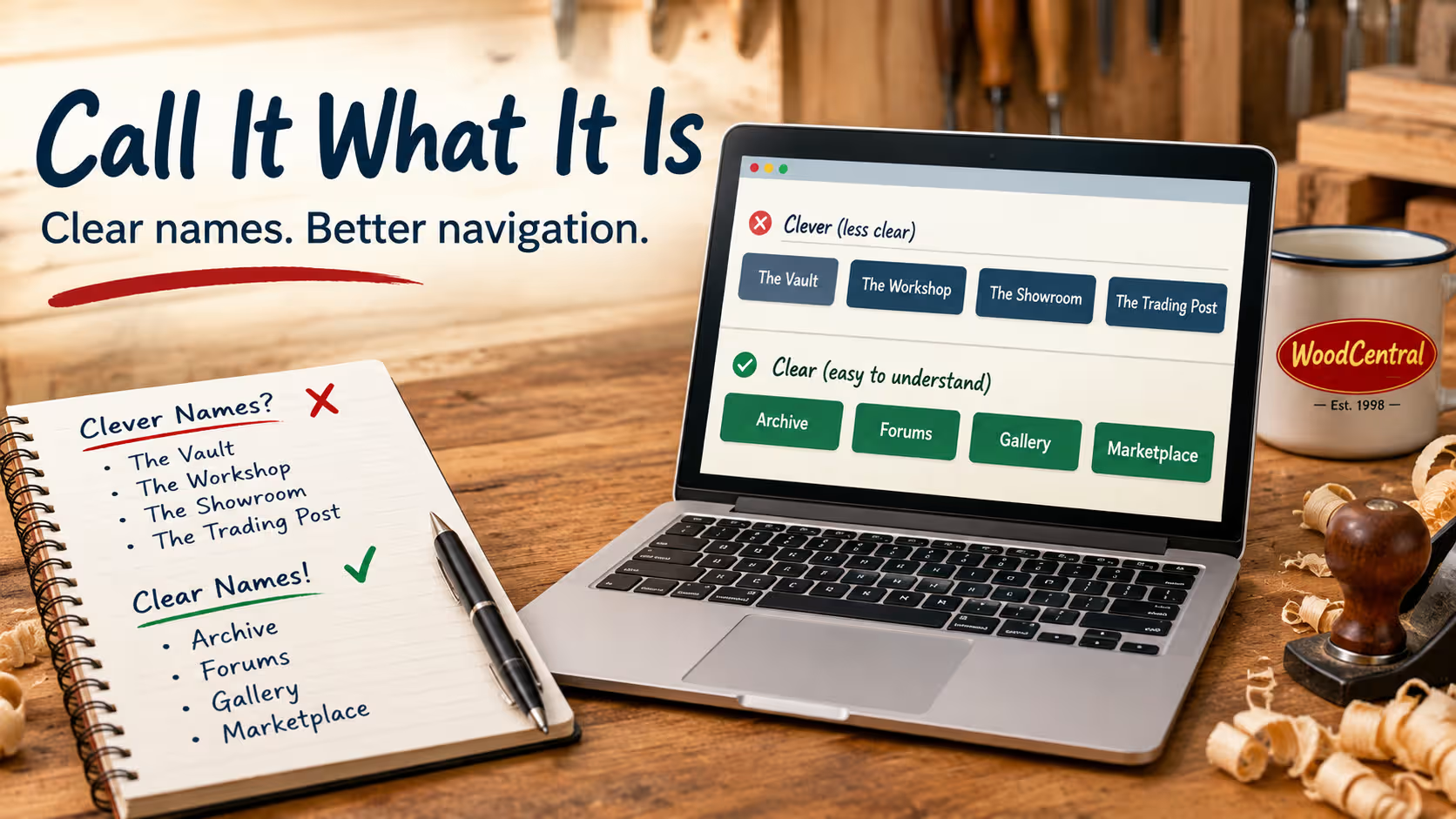
The principle is simple: The visitor shouldn’t have to figure out what a section is called before they can figure out what it contains.
For a site like WoodCentral, with a history dating back to 1998 and a growing collection of woodworking resources, this approach also emphasizes substance over marketing gimmicks.
1. Examples: Clear names vs. clever names
| Clear, descriptive name | Clever or ambiguous alternative | Why the descriptive name wins |
|---|---|---|
| Articles | The Woodworker’s Journal | Immediately identifies written content without suggesting a particular publication or format. |
| Archive | The Vault | Sounds intriguing, but doesn’t explain whether it contains old articles, historical discussions, photographs, or something else. |
| Forums | The Workshop | Could mean discussion boards, woodworking plans, a physical workshop, or instructional content. |
| Gallery | The Showroom | Sounds polished but could suggest products for sale rather than photographs of woodworking projects. |
| Marketplace | The Trading Post | Has character, but visitors must infer that they can buy, sell, or find woodworking-related items. |
| Search | The Finder | Doesn’t immediately tell visitors whether it searches articles, products, discussions, or the entire website. |
| Videos | The Screening Room | Sounds like entertainment rather than a collection of woodworking videos and channel uploads. |
| Comments | The Soapbox | Suggests opinionated commentary, not necessarily the ability to respond to an article or discussion. |
| Help | The Workshop Assistant | Could refer to technical support, woodworking advice, or a virtual assistant. |
| Bookmarks | My Stash | Has personality, but doesn’t clearly convey that it saves pages for later reference. |
The clever alternatives aren’t necessarily bad names. They’re simply less precise when used alone as navigation labels.
2. The problem with clever naming
Consider three hypothetical navigation menus.
Approach A — Clever branding
- The Vault
- The Workshop
- The Showroom
- The Trading Post
Visitors must interpret each label before deciding where to go.
Approach B — Plain description
- Archive
- Forums
- Gallery
- Marketplace
Visitors can scan the menu and identify their destination immediately.
Approach C — Description with personality
- Articles
- Forums
- Project Gallery
- Woodworking Marketplace
The labels remain descriptive while adding specificity where it helps.
Approach B is the cleanest when the surrounding context already makes the subject obvious. Approach C is useful when a section needs a little more explanation, particularly for new visitors arriving from search engines.
3. Why this matters beyond navigation
There are several practical benefits to using descriptive names.
- Lower cognitive load. Visitors don’t have to decode a metaphor or learn a site’s internal terminology.
- Faster navigation. Familiar terms make it easier to scan menus and find the desired section.
- Better accessibility. Descriptive link text gives screen-reader users meaningful information about a link’s destination.
- Clearer expectations. A link labeled Gallery establishes a more predictable expectation than one labeled The Showroom.
- Consistent terminology. Using the same name in navigation, page headings, breadcrumbs, and references throughout the site reinforces what each section contains.
- Less marketing clutter. The content itself becomes the attraction rather than the name used to sell it.
Descriptive labels can also support search-engine understanding, particularly when they are consistent with page titles, headings, and actual content. They are not, by themselves, a ranking shortcut.
4. A practical naming philosophy for WoodCentral
I use three rules.
Rule 1: Use the ordinary name for the thing.
Articles are articles. Forums are forums. A gallery is a gallery. Avoid inventing a new vocabulary for familiar concepts.
Rule 2: Add a qualifier only when it provides useful information.
For example:
- Articles → Articles (not The Knowledge Center)
- Gallery → Project Gallery (if project photographs are its primary purpose)
- Videos → Woodworking Videos (if the context doesn’t already establish the subject)
- Archive → Article Archive (if it contains articles specifically and could otherwise be confused with other archives)
Rule 3: Put the personality in the presentation, not at the expense of clarity.
WoodCentral can have a distinctive logo, an engaging tagline, a humorous description, and a recognizable visual identity without renaming its basic functions. The brand can be memorable while the navigation remains conventional.
For example, a page can have an engaging headline such as The Internet’s Workshop for Woodworkers while the navigation link leading to it remains Forums.
The same applies to calls to action. Browse Articles, View Gallery, Visit Forums, and Explore Marketplace all communicate an action and a destination without resorting to gimmicks.
5. The underlying principle
I’d summarize my philosophy this way:
Name things for what they are, not for what a copywriter thinks will make people click.
Or, a slightly sharper version:
Clarity is a feature. Don’t make visitors solve a riddle to use your website.
The goal isn’t to eliminate creativity. It’s to use creativity where it adds value—editorial headlines, descriptions, illustrations, and branding—while keeping the site’s basic information architecture predictable.
For WoodCentral in particular, straightforward naming reinforces the idea that the site is a substantial, established woodworking resource, not a collection of marketing funnels dressed up with clever labels.


