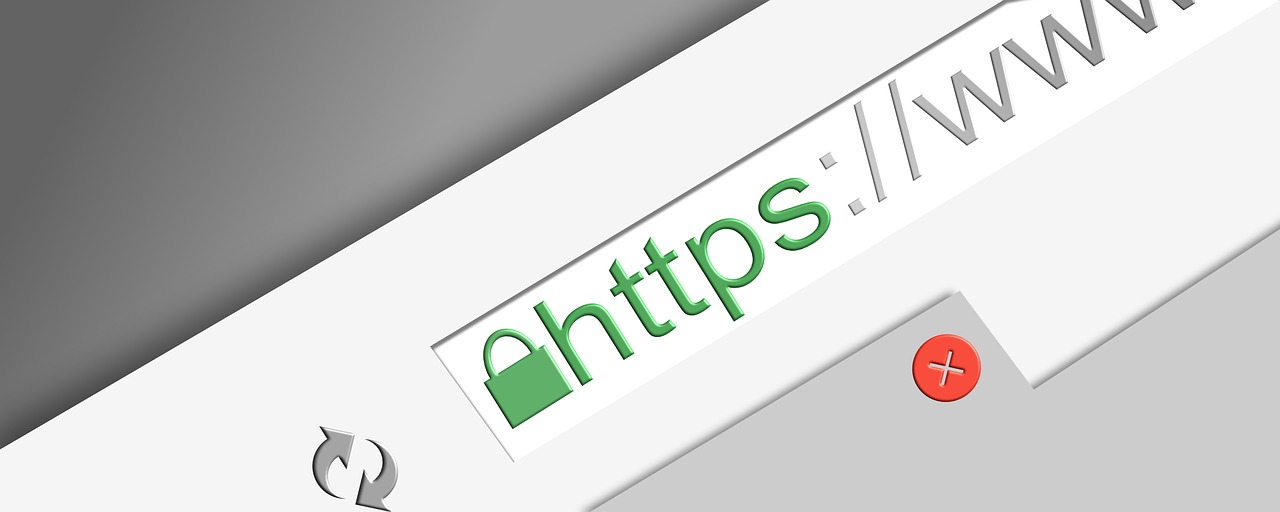
An SSL certificate is a digital certificate that enables encrypted communication between a user’s web browser and a website’s server. In practical terms, it ensures that data exchanged—such as passwords, form submissions, or payment details—cannot be easily read or altered by third parties while in transit.
More precisely:
- SSL (Secure Sockets Layer) is the older name for the technology; today it is almost always implemented as TLS (Transport Layer Security), but the term “SSL certificate” remains common.
- The certificate is issued by a Certificate Authority (CA), which verifies the identity of the website owner to some degree.
An SSL/TLS certificate serves three main purposes:
- Encryption
It encrypts data sent between the browser and the server, protecting it from eavesdropping or interception. - Authentication
It confirms that the website is actually operated by the entity it claims to represent, helping prevent impersonation and “man-in-the-middle” attacks. - Integrity
It ensures that data is not modified in transit without detection.
You can tell a site is using an SSL/TLS certificate when:
- The URL begins with
https://rather thanhttp:// - A padlock icon appears in the browser’s address bar
There are different validation levels:
- DV (Domain Validation): Confirms control of the domain only
- OV (Organization Validation): Confirms the organization behind the site
- EV (Extended Validation): Provides the highest level of identity verification
In modern web usage, an SSL/TLS certificate is effectively mandatory. Browsers now warn users when a site lacks one, and many features (such as HTTP/2, modern authentication, and search engine ranking benefits) require HTTPS.
An SSL/TLS certificate can be used at both the CDN edge (Cloudflare) and the origin server, and the two layers serve different but complementary roles. Understanding this distinction is important for security, performance, and operational clarity.
1. SSL/TLS at the Cloudflare CDN level (Edge Certificates)
When Cloudflare is in front of your site, clients connect to Cloudflare, not directly to your server.
How it works
- A visitor’s browser establishes an HTTPS connection to Cloudflare’s edge server.
- Cloudflare presents an SSL/TLS certificate issued for your domain.
- Traffic is encrypted between the browser and Cloudflare.
What Cloudflare provides
- Universal SSL certificates (typically DV) at no extra cost.
- Automatic certificate issuance and renewal.
- Support for modern TLS versions and ciphers.
- Global termination of TLS close to the user, improving latency.
- Protection against common attacks (MITM, downgrade attacks, etc.).
What this protects
- Data in transit between the end user and Cloudflare.
- Prevents browsers from seeing an unencrypted or untrusted connection.
Important implication
At this point, traffic is decrypted at Cloudflare so it can:
- Cache content
- Apply firewall rules
- Perform bot detection and rate limiting
- Optimize or modify responses (compression, minification, etc.)
This is why Cloudflare is often described as a “reverse proxy.”
2. SSL/TLS between Cloudflare and the origin server
This is the second hop: Cloudflare → your web server.
Cloudflare offers several SSL modes that control how this connection is handled.
Common modes
Flexible SSL (not recommended)
- Browser ↔ Cloudflare: HTTPS
- Cloudflare ↔ origin: HTTP (unencrypted)
- Your server does not need a certificate.
- Vulnerable to attacks on the Cloudflare–origin leg.
- Can break applications that expect HTTPS end-to-end.
Full SSL
- Browser ↔ Cloudflare: HTTPS
- Cloudflare ↔ origin: HTTPS
- Origin certificate can be self-signed.
- Traffic is encrypted but not authenticated at the origin.
Full (Strict) SSL (best practice)
- Browser ↔ Cloudflare: HTTPS
- Cloudflare ↔ origin: HTTPS
- Origin must have a valid certificate trusted by Cloudflare.
- Provides encryption and authentication end-to-end.
3. SSL/TLS on the local (origin) server
Purpose
The local certificate secures traffic from Cloudflare to your server and ensures Cloudflare is talking to the correct origin.
Certificate options
- Public CA certificate (Let’s Encrypt, etc.)
- Cloudflare Origin Certificate
- Issued by Cloudflare
- Trusted only by Cloudflare (not browsers)
- Long validity (up to 15 years)
- Ideal when Cloudflare is always in front
What the origin certificate does
- Encrypts traffic from Cloudflare to your server
- Prevents traffic interception within your hosting provider or data center
- Allows use of Full (Strict) mode
- Supports secure headers, HSTS, and HTTPS-only applications
4. Typical best-practice configuration
For a site like yours that already uses Cloudflare heavily:
- Cloudflare Edge
- Enable Universal SSL
- Force HTTPS
- Use modern TLS settings
- Origin Server
- Install a Cloudflare Origin Certificate or Let’s Encrypt
- Configure the web server to listen on HTTPS only
- Redirect or block plain HTTP
- Cloudflare SSL Mode
- Set to Full (Strict)
This results in:
- Encrypted traffic from browser → Cloudflare → origin
- Authentication at both layers
- No browser warnings
- Minimal certificate maintenance overhead
5. Why both layers matter
| Layer | Without SSL | With SSL |
|---|---|---|
| Browser → Cloudflare | Browser warnings, exposed data | Secure, trusted connection |
| Cloudflare → Origin | Vulnerable inside hosting network | Encrypted and authenticated |
| Application logic | HTTPS assumptions break | Modern security features work |
In short, Cloudflare’s certificate protects your users, while the origin certificate protects your infrastructure and ensures end-to-end security. Using both is now considered standard practice rather than optional.


