posting photos
Bill Crommett
>I am trying to learnhow to post photos, but I have had conflicting information on the process. So I will try one process now and maybe learn another one later.
Knowledge You Can Build On — Est. 1998
posting photos
Bill Crommett
>I am trying to learnhow to post photos, but I have had conflicting information on the process. So I will try one process now and maybe learn another one later.
Re: posting photos
Barry Turner
>I think you've got it. Wanna share?
Re: posting photos
Bill Crommett
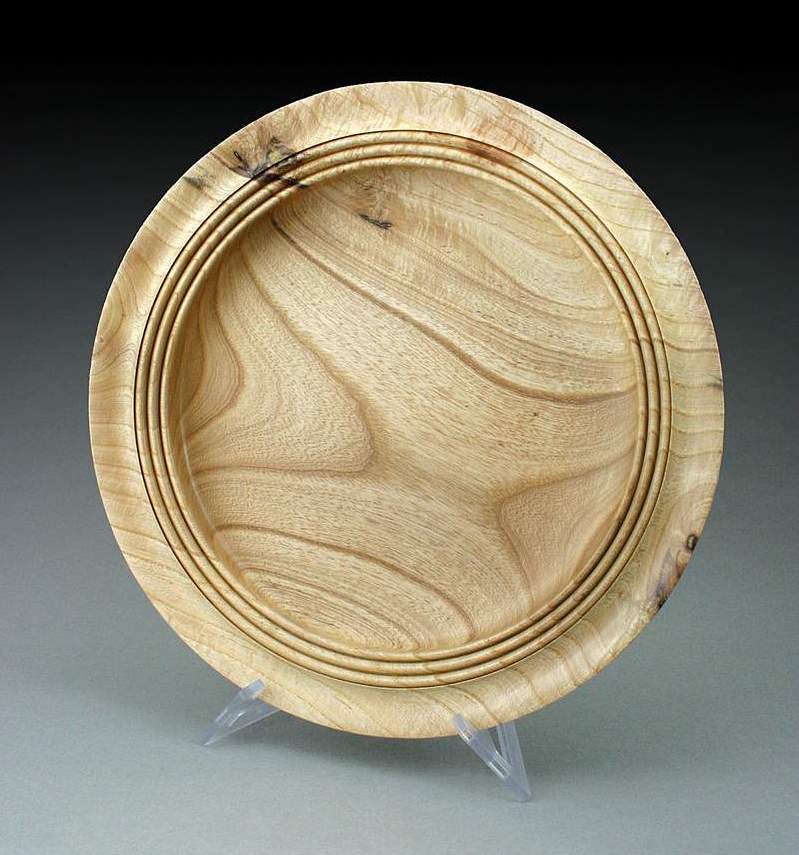
>This one is a small Osage (bosdarc) from a piece given to me by Al Neighbors at the spring gathering. I am still having trouble sizing the pics.
Re: posting photos
Ric Taylor
>The sizing looks perfect on my monitor. Stay with whatever you did on this one.
Ric
Re: posting photos
bowlman
>Nice piece. And here are a few words to help you images. Take them at the highest setting if possible. In other words, if your camera offers 4 megapixels, use them all. When you get the pic into your PC, your software should allow you to crop to just the item plus a little of the surrounding area. When cropping is done, and any other editing, like sharpness, contrast, brightness, etc., then and only then resize it. ANd after resizing, most software will ask you to Save - Save As - etc. I always use Save As, save it to a folder I call 800x680.
In short, keep as much detail as possible until you are ready to resize. Resizing is the last thing to do before saving.
Hope this helps. Graduate of Brooks Ins. of Photography .... long before digital ... (1967-68)


