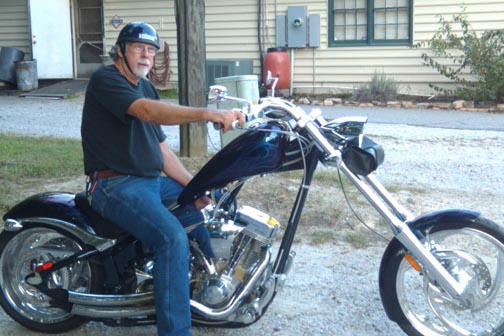
I finaly decided last night to work up the nerve to post my first picture. Went thru the message process and pointed at the graphic upload file only to be told my picture was to big. Cropped it down, still to big.
I'm using a Kodak Easy Share camera with the Kodak software, anyone have a clue how I can reduce the picture size to something palatable to WC?
>If you are running XP, go to the Microsoft site and download "powertoys". They have a photo resizer there for free that works wonderfully. I don't have the direct link because I'm not home and it's on that computer.
>Bud, there are a million ways to do this. For some hints on how I (and many of us) here on WC do this, please refer to the FAQ section (accessible off of the left side menu, 2nd item down), where you will find an article I wrote on the subject. If you still have questions, please don't hesitate to post them.
>I have the Easy Share Software. Open the program, Choose a picture, Click on EDIT at the top, Crop or brighten or whatever if you wish, Then choose the Save AS option and down at the bottom left is a RESIZE option. You may have to play with it. You may be able to resize and then choose Save AS, but take a whack at it. I understand that if you have a high resolution picture to start with the THUMBNAIL size will do it. If you shot it in lower res to start with you may be able to use the 50% or 25% Setting. Unfortunately, you will just have to try it and see if it makes the picture small enough, because I don't think it tells you what size the pic is going to be. Once you save the new version you can right click on it to check PROPERTIES and see the file size. Looking for less than 25,000, right? Easier to do than to describe.