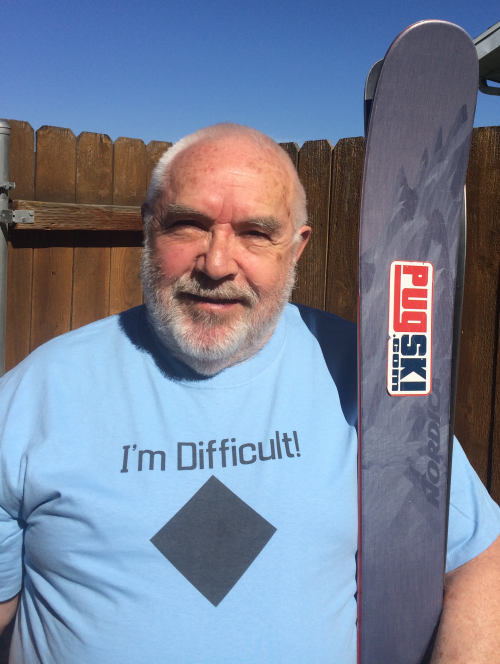
I have been trying to follow the guidelines for uploading pictures with my post to no avail. My current pic is 120 kb and loaded on my hard drive. When I attempt to post and put my curser in the text box, I see no "Browse" button or Upload embedded image" box to allow me to find the file. Please help me understand what I am doing incorrectly so I can more fully participate in WC. Thanks.
>>>In “My Profile”, my name and email are correct. Is there somewhere else I should look for it.
Check the spelling, spaces, etc in your profile name. It it matches exactly your name in your messages will show as a link with blue characters. Did you save the profile?
Check for your name in the "Profiles" link. I see no Bill Marr there at the moment:
If needed, send a note to Ellis from the Contact link on the home page.
John is right. If you don't see the option to browse for a file in the message dialog, and your name isn't blue and underlined when you post, it means our forum software doesn't recognize you as a registered member. Create a valid profile and use that name and email address each time you visit, and you'll be good to go.
Sorry about the 100Kb file size limit. That's a throwback to our early days and should be increased, but my guru for this software is no longer around, so we're living with the lower limit. If image processing is difficult for you, I did detail an online picture size reducer (picresize.com -- see link below for my instructions) that does a pretty nifty job of preparing quality images under our maximum file size limit.
You can always reach me directly by email or through the "Report Problem" link in the nav bar at the top of the forum page. Let me know if you need more help.
It appears that I had originally registered as Bill Phoenix, MD and later tried to change my username to Bill Marr but I hadn't really changed it from as it was registered. I guess I'll keep it as it originally was. I have since been able to upload an image to a previous message. Thanks John.