We value your privacy.
We use cookies to enhance your browsing experience, analyse site traffic, and personalise content.
By clicking “Accept all”, you consent to our use of cookies. You can also choose
“Essential only” or learn more.
>I have tried it a couple of times but get a message too large.... I go back and photoshop it and make it smaller... then the file is the wrong kind. Can anyone send me to a site that can help me solve my posting problem?
>Hi - Not sure I understand the problem. When you edit the photo in photoshop, is it being saved in a different file format than jpeg? If so, then that is potentially the issue. When I need to downsize a picture for posing on WC, I use MS Paint - it has an easy resize menu option to reduce the picture by percent till it reaches the 80 kb size required by Ellis.
>I use the "jpeg resampler" freeware program below. I placed two folders on my desktop titled sample and resampled for the source and target. Set the file size for 79Kb and you'll have no problem posting.
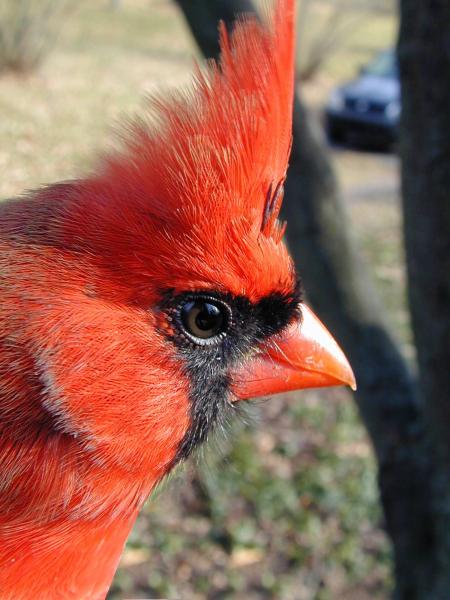
>You will find some digital image info in our FAQ, Frank. Basically, the trick is to 1) resize the photo to about 600 pixels on the longer dimension, 2) then save it with enough compression to get it under 80Kb, which is actually quite a generous filesize. The attached photo is 450 x 600 and weighs in at only about 45 Kb. You can see that an image this size can contain more than enough detail.
>use this program it is free and will do the job when you figure out how to use it I have been using it for a long time It will get you down way below what is required here